

EzMP3 is one of those rare YouTube-to-MP3 converters people trust. But lately, old domains of EzMP3 are unreachable, with no redirects or explanations. And if you search “EzMP3” blindly, you’re far more likely to end up on fake look-alike sites that are clone domains built on its popularity, often loaded with aggressive ads or worse. Here, we’ll clearly point out which EzMP3 versions are actually real and still working. If you’re new to EzMP3, we’ll also break down how it works, what its quality options really mean, and what kind of output you should expect.
Please use the MP3 music you download for personal enjoyment only. Sharing or selling it is not allowed.
How to Find the Real Version of EzMP3
EzMP3 has gone through several domain names over the years. The older versions, including ezmp3.cc, ezmp3.to, ezmp3.io and ezconv.com, all belonged to the same original tool. But each of these domains was eventually suspended by the hosting provider. They now refuse to load and show no fallback buttons. The admin has no control over these old domains anymore.
The working site of EzMP3 now appears under two names which are the only real, active versions:
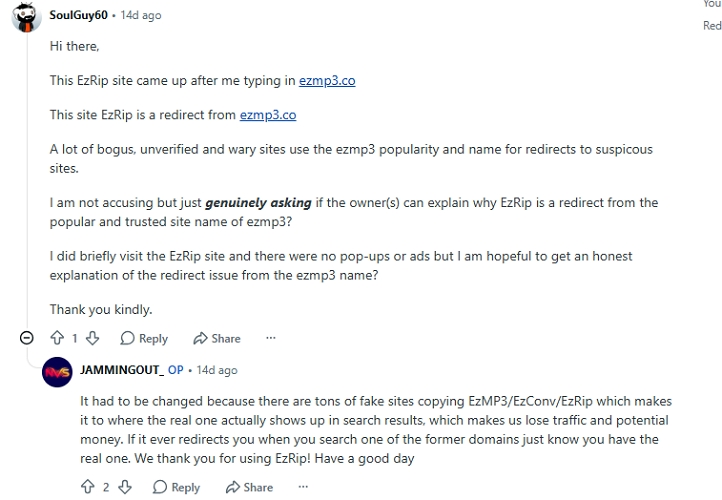
🔴Update: When we accessed the following two domains in May 2026, we found that the websites automatically redirected to EzRIP. This is because EzMP3 has been rebranded.
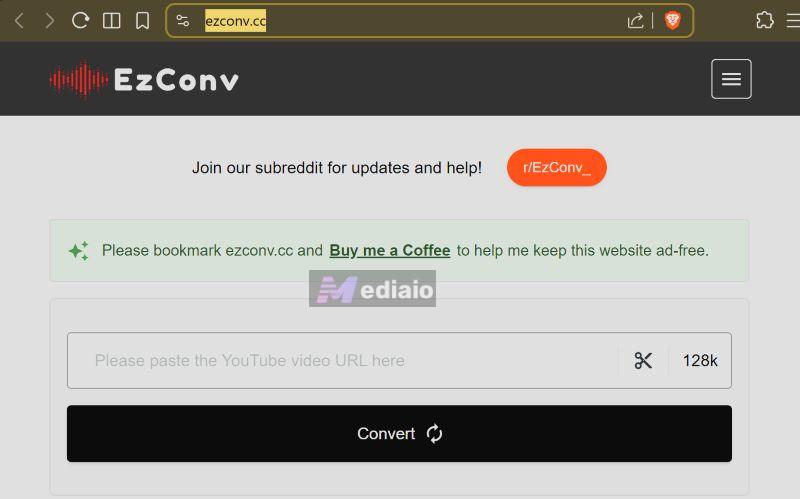
ezconv.cc
There is one small thing to keep in mind: ezconv.cc does not work in every region. Some locations can open it while others can’t.
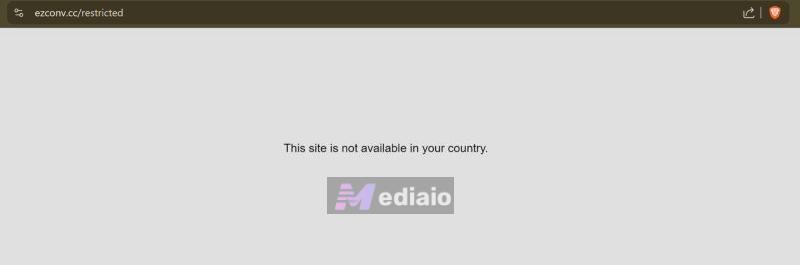
The interface is the same as before—the same Convert button, the same Trim tool, the same quality options, but availability depends on where you live.
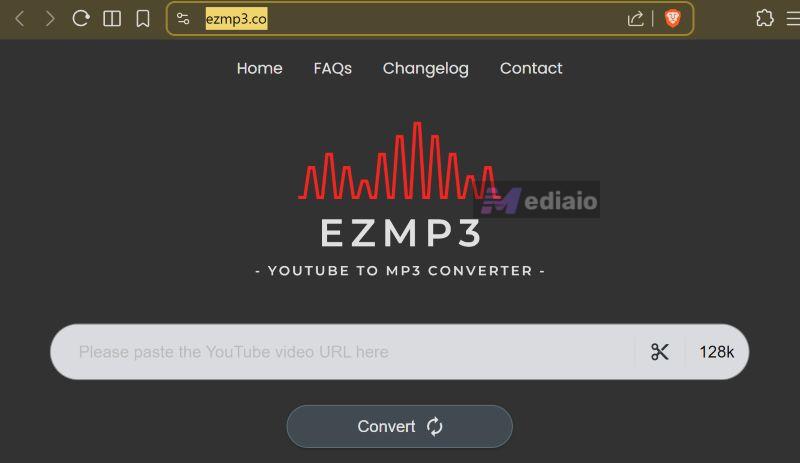
ezmp3.co
The second active domain, ezmp3.co, loads everywhere without issue. It feels like a slightly newer build. The conversion button looks refreshed, the layout feels a bit cleaner, but functionally it matches ezconv.cc.
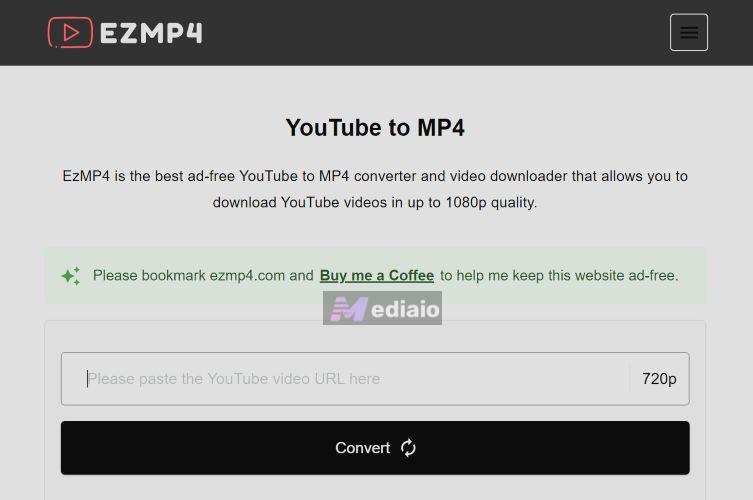
Alongside this, the developer also maintains ezmp4.com, which is meant for downloading 1080p videos but not MP3 audio.
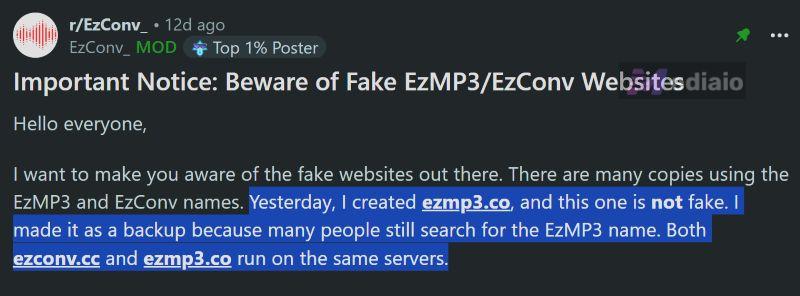
Both EzMP3 sites above come from the actual developer, which was confirmed directly through the official subreddit. Anything outside these two domains is either outdated or fake.
To sum up, if you want the real EzMP3 today, the only safe choices are ezconv.cc and ezmp3.co. Everything else is either abandoned or spoofed.
Tip: EzMP3 Player and EzMP3 APK Versions
You will also find an EzMP3 Player on iOS. It’s a simple local music player that can handle MP3, M4A, FLAC, and WAV files on the iPhone. It is not a YouTube-to-MP3 converter. It’s made by a completely different developer. And it has no connection to the real EzMP3 converter.
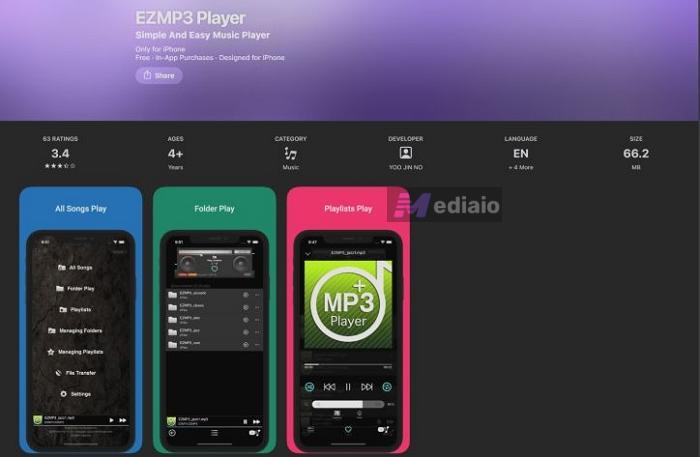
For Android, there are standalone EzMP3 Player APKs floating around—some credited to Thai Japan, others released under slightly altered names. Once again, these are not downloaders. They don’t convert YouTube videos. They are just offline music players with no link to the actual EzMP3 service.
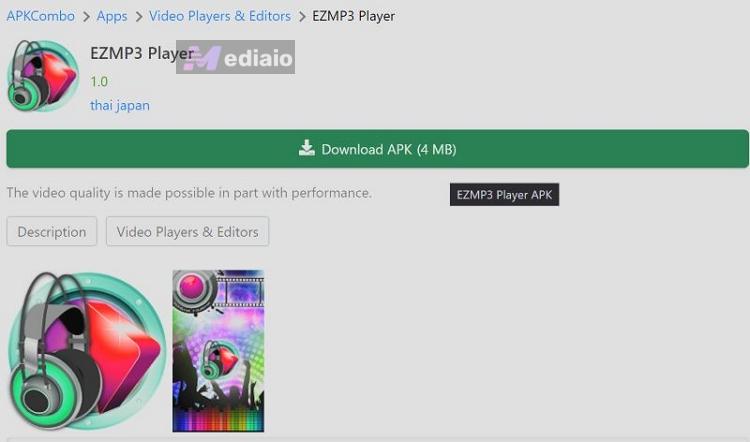
One warning is necessary here. There are dozens of APKs using the EzMP3 name, “MP3 downloader” labels, or similar branding. None of them comes from the original creator. They often carry malware. So, avoid these APK versions.
How to Use EzMP3 to Convert YouTube Video to MP3
The process stays the same on both working domains, ezconv.cc and ezmp3.co, even though the interface header looks slightly different in the browser. They share the same engine, the same conversion panel, and the same quality selector.
Steps to Use EzMP3
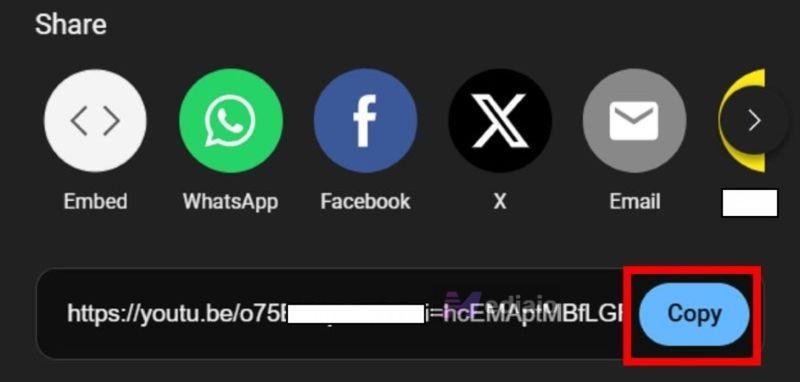
Step 1. Copy the YouTube link you want to convert. Open the video, tap Share and press Copy to get the URL.
Step 2. Visit either ezconv.cc or ezmp3.co. Both domains lead to the real EzMP3 converter.
Step 3. Paste the link inside the URL field. Drop the copied YouTube link into the main box on the homepage.
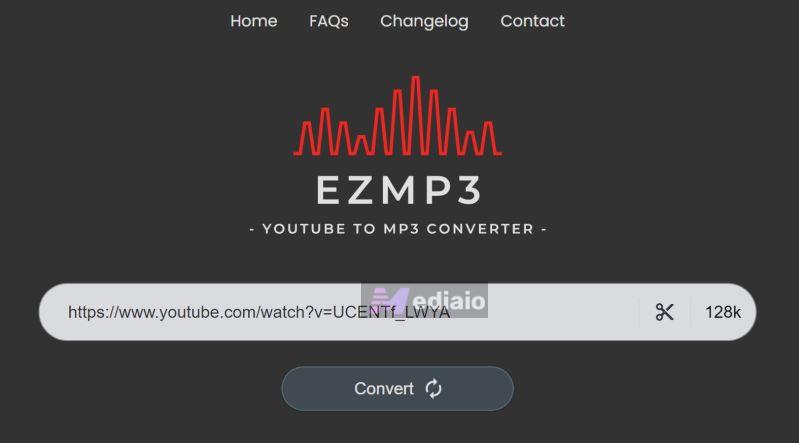
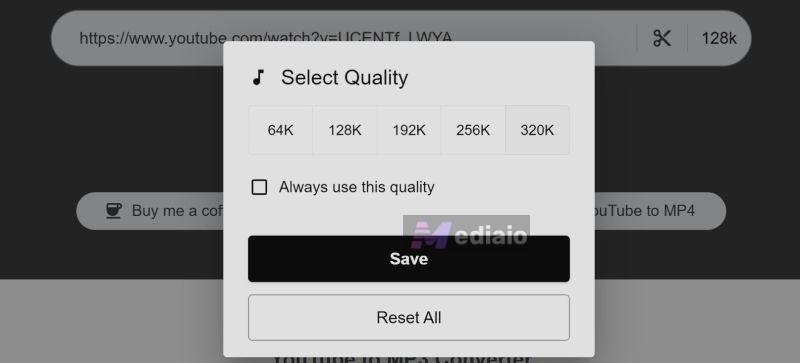
Step 4. Choose the quality you prefer. Click on the small quality button (shown as 128k, 256k, or 320k).
A small pop-up opens with all available options—64K, 128K, 192K, 256K, 320K. You can choose a desired audio quality and also tick the “Always use this quality” box. EzMP3 will then remember your choice via cookies.
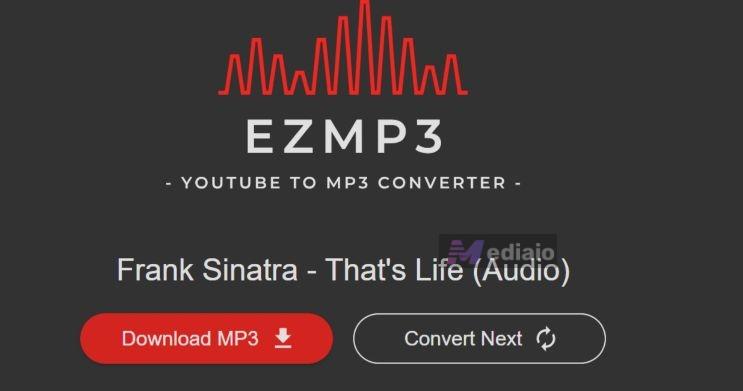
Step 5. Press the Convert button. EzMP3 processes the audio in a few seconds. Once the file is ready, the result screen will show the video title and a red Download MP3 button.
Step 6. Download and save the file. Click Download MP3.
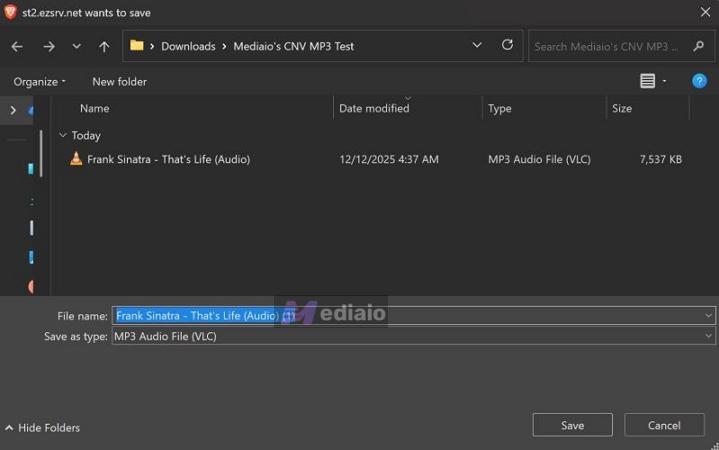
Your browser will open a native download dialog. Choose your folder and press Save. The MP3 file will download instantly.
Reviews on EzMP3: Safety and Output Quality
Here’s what users and real-world testing say about EZMP3: how good the audio actually sounds and whether the site is safe to use.
Is EzMP3 Safe and Trusted?
EzMP3 is widely appreciated for one simple reason: when you land on the real site, it stays ad-free and fully donation-supported. For a free YouTube-to-MP3 site, that alone is rare. Still, here’s what online users and our test indicate about the site.
User Comments
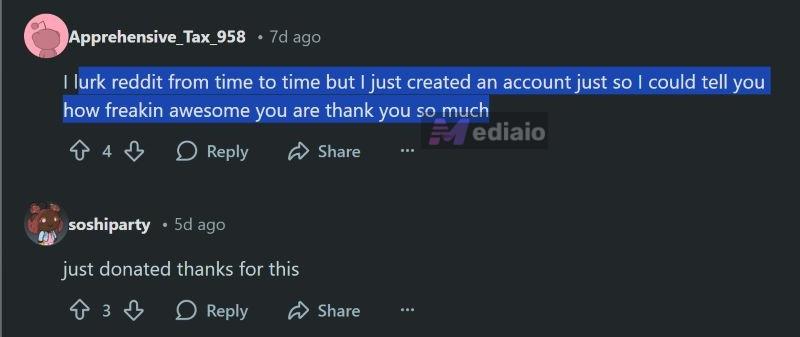
Users on Reddit and TrustPilot regularly mention that EzMP3 gained trust, because it stays clean—no banners, no sudden redirects, no surprise.exe downloads. Several long-time users even donated to support the developer because the tool remained consistent for years under older domains.
In piracy-related subreddits, EzMP3 is usually listed as one of the safe and reliable converters.
Our Experience
We appreciated how transparent the developer is. Every domain change was posted openly on their subreddit and the warnings about fake mirrors were clear and honest. That kind of communication is rare among free converters and deserves credit.
Then came the deeper checks.
The VirusTotal scans told a slightly different story. When we checked ezconv.cc, three security engines flagged the URL.
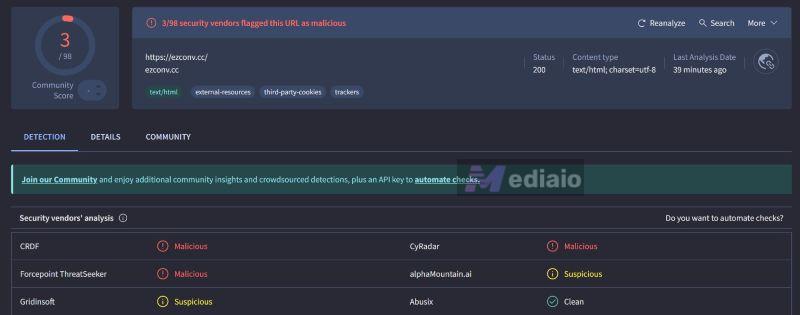
Its sister domain ezmp3.co also received one flag during the scan.
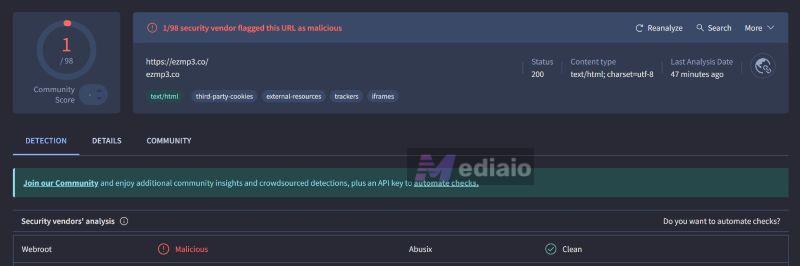
This does not automatically mean the sites are dangerous. YouTube converters often trigger small warnings because of their embedded scripts, trackers, or certain external request patterns.
Still, these domains are only about two weeks old at the time of writing, so security engines may still be calibrating their classifications.
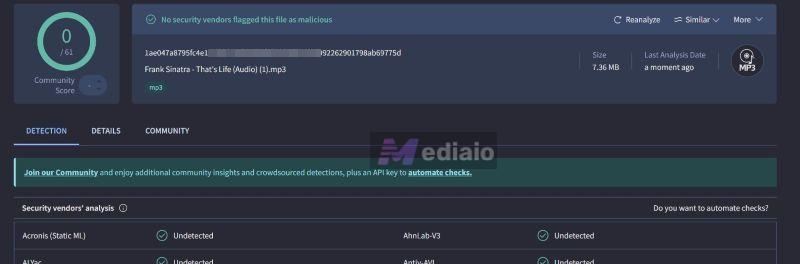
While the domains received minor flags, the actual files they produced were clean. We downloaded two MP3s—one from ezconv.cc, one from ezmp3.co and uploaded them to VirusTotal separately. Both passed 61/61 checks with zero warnings. So at least at the file level, everything looks good.
Does EzMP3 Convert YouTube to Real 320kbps MP3 with Full ID3 Tags?
One of the most common doubts around EzMP3 is its audio quality. Both EzMP3 versions let you choose output bitrates from 64kbps up to 320kbps.
The real question, though, is whether it actually delivers those qualities. Or if it’s just another online converter that advertises “high quality” but caps downloads at 128kbps or 192kbps. Here’s what you have to know.
What Users Say
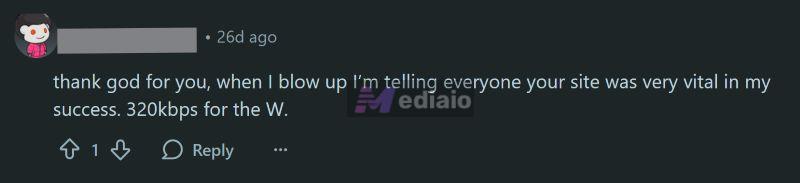
Across Reddit threads and community discussions, several users explicitly highlight that EzMP3 isn’t stuck at 128kbps and that 320kbps is actually selectable. For people who care about audio quality, even casually, that matters. Some users go as far as saying that access to 320kbps alone is the reason they keep using EzMP3.
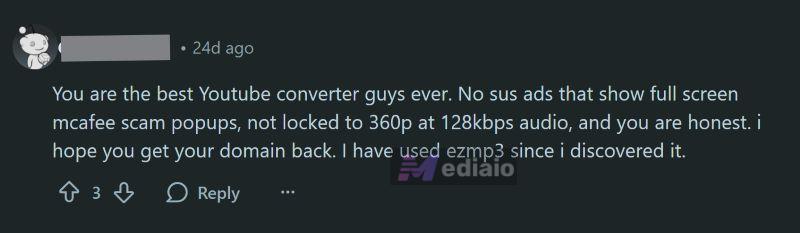
Overall sentiment around sound quality is positive.
Our Experience
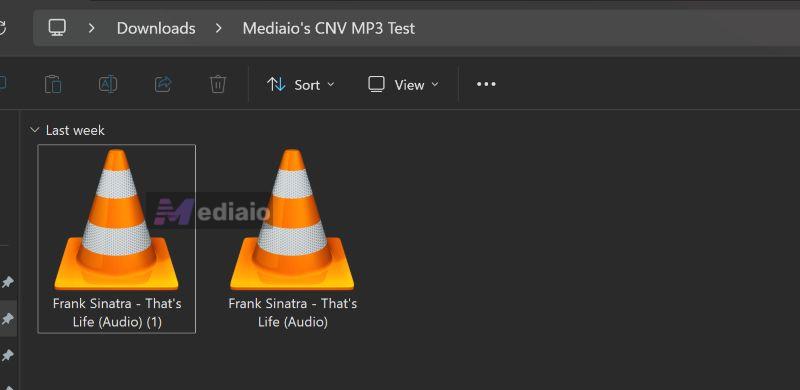
In real use, EzMP3 does deliver MP3 files at the bitrate you select. However, EzMP3 pulls audio from YouTube which streams 256kbps AAC. So what you’re getting is that YouTube audio re-encoded as a 320kbps MP3.
Still, you can expect the 320kbps MP3 to match closely to YouTube's quality. For songs, 320kbps is the only sensible option. That said, lower bitrates can still work for spoken content, like podcasts or narrations.
The bigger drawback shows up in metadata handling. EzMP3 uses YouTube thumbnails as cover art and track names usually follow the video title. That’s fine for casual keeping, but it becomes messy when you try to build a proper offline library. When you import the downloaded songs into apps like Apple Music, these files will not be accepted without manual ID3 editing.
Speed is the other limitation. EzMP3 works one song at a time, with no batch downloads. This isn’t unique to EzMP3, but it’s a general issue with online converters. It quickly becomes frustrating if you’re handling more than a few tracks.
Free Alternatives to EzMP3
Here are four alternatives you can fall back on when EzMP3 is down or not working properly.
Comparison of Popular YouTube-to-MP3 Sites (Quick View)
 Ad-free
 Clean UI Claim 96/128/256/320kbps
Deliver close to 256kbps (YouTube source)
Sound better than EZMP3 Use YouTube title as track name
Save YouTube thumbnail as cover art Support long videos up to ~180 minutes
Can convert long mixes or full playlists into one audio
Work with TikTok, Reddit, Instagram
Reliable EZMP3 backup
 Heavy ads
 Frequent redirects
Many mirror sites Offer 64–320kbps options
Audio often sounds compressed Basic ID3 tags only
Add site/YouTube watermark text Part of a large site network
Video + audio conversion
Inconsistent experience
 Aggressive ads
 Fewer unsafe pop-ups Claim 320kbps
Output usually ~128 kbps Save filename only
No album art
No watermarking Slower speed
Can export directly to Dropbox
 Minimal ads
Cleaner than most Quality tied closely to YouTube source No proper ID3 tags
Random character strings as filenames
No thumbnails Handle long uploads reliably
Simple workflow
Browser add-ons for Firefox & Opera (not Chrome)
Process long videos
Safe and Legal Way to Save YouTube Music as MP3
If you want a safer and more stable way to download YouTube Music songs as MP3, a desktop tool, like Mediaio Audio Converter, makes more sense than relying only on online converters.
The key advantage is the source. Mediaio pulls tracks directly from YouTube Music but not generic YouTube videos, so the audio stays the same as the original YouTube Music stream. This also ensures the output files keep proper cover art, track names, and metadata, so they look clean in Apple Music, VLC, or any other player without watermarks or messy filenames.
The second big win is batch conversion. Instead of copying links one by one and waiting for each file to finish, you can convert full playlists or albums in a single run with Mediaio’s inbuilt browser. So what would take hours with online tools becomes a matter of minutes.
Moreover, Mediaio is a reputed software, so you don’t have to worry about ads or pop-ups, redirects, or fake buttons. It’s built and maintained by Mediaio which removes the usual safety concerns that come with random web converters.
Conclusion
EzMP3 is genuinely one of the better YouTube-to-MP3 converters available right now. It stays ad-free and keeps the interface simple. That said, EzMP3 is still an online converter. So downtime is common. That’s why we’ve included reliable alternatives, so you’re never stuck when EzMP3 is slow or temporarily unavailable.
For users who need more control, especially batch downloads, faster processing, and cleaner files, Mediaio Audio Converter fills that gap well. It removes ads entirely, handles large playlists in one go, preserves metadata properly, and delivers consistent audio quality sourced directly from YouTube Music and other platforms.