
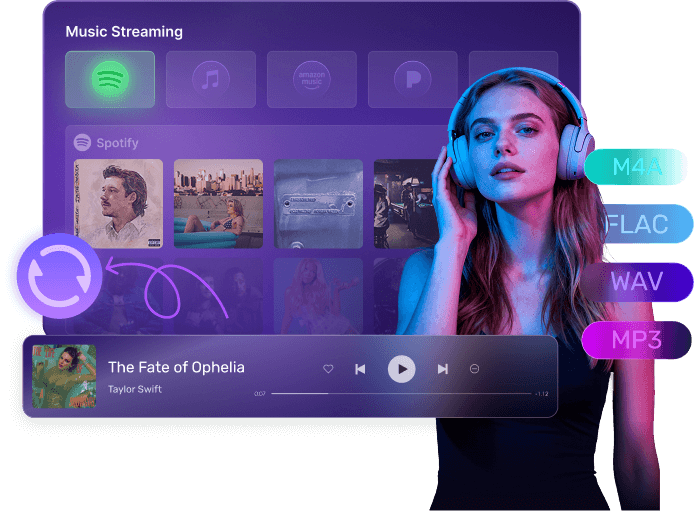
How to Convert Audio with Mediaio
Step1.
Install and open the program. Then click Buy Now to unlock features.
Step2.
Choose your preferred plan and complete the purchase.
Step3.
Return to the software, select the platform, choose the audio content and add it to the conversion list.
Step4.
Click “Convert All” to export the audio as MP3, FLAC, or WAV with full metadata and high quality.
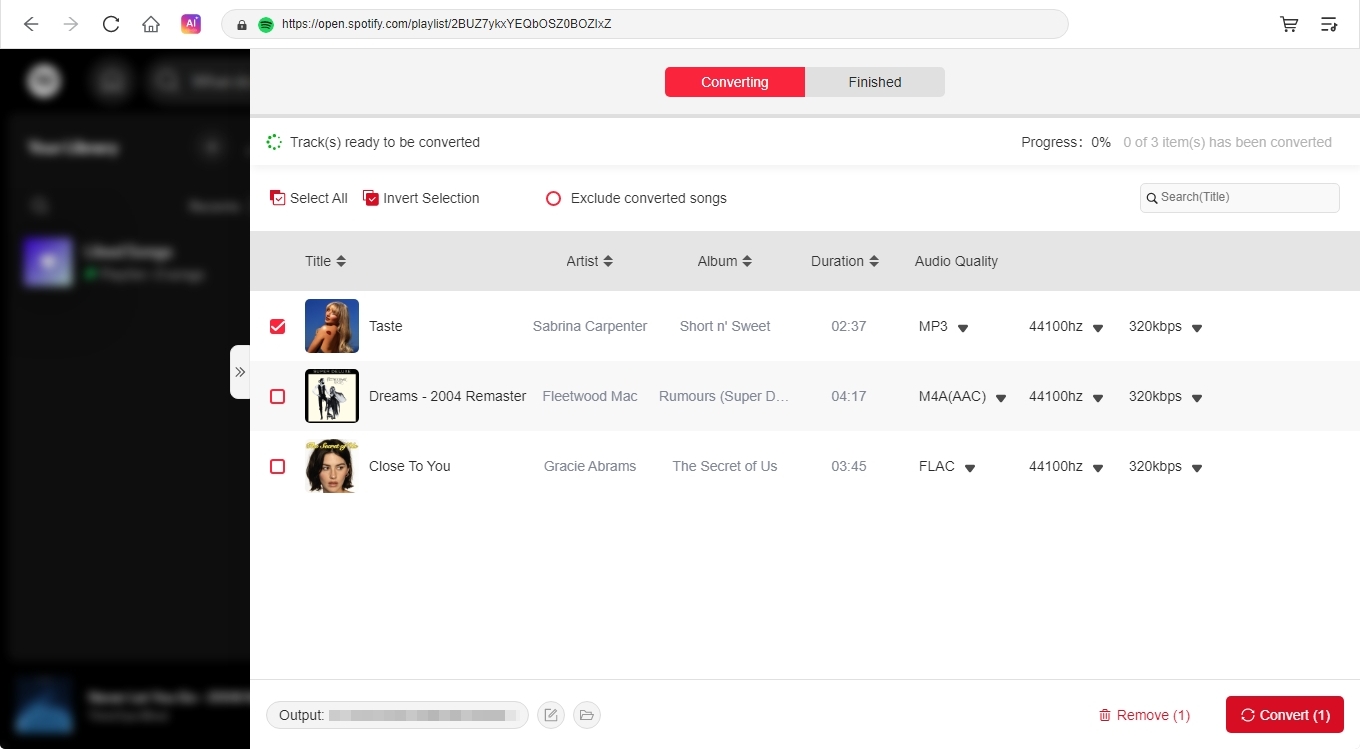
Step1.
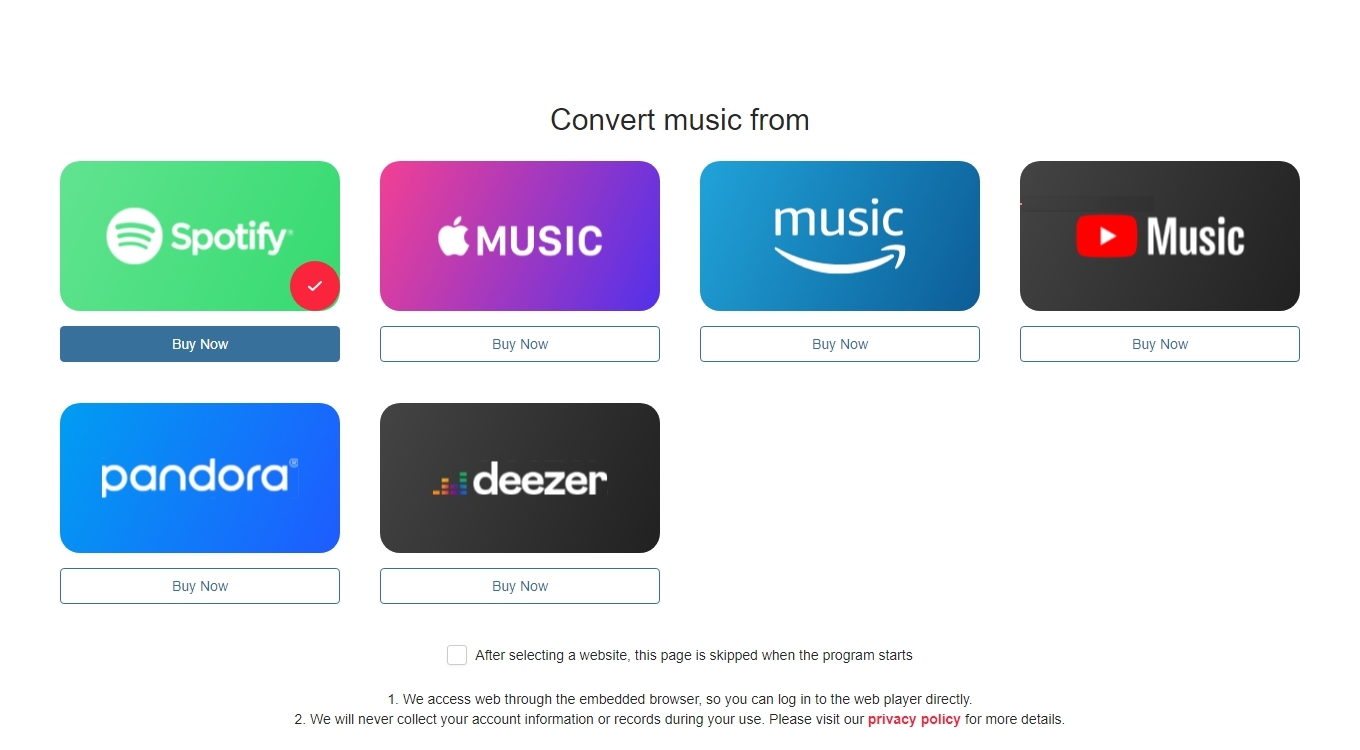
Install and open the program. Then click Buy Now to unlock features.
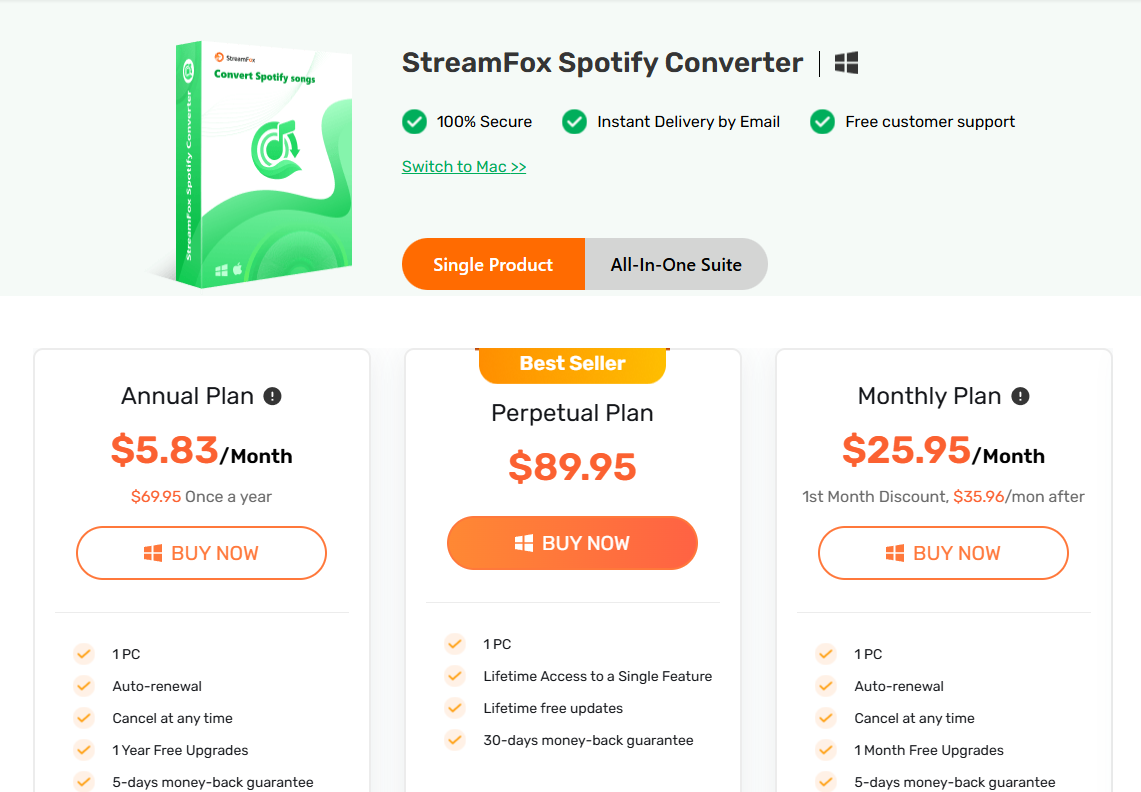
Step2.
Choose your preferred plan and complete the purchase.
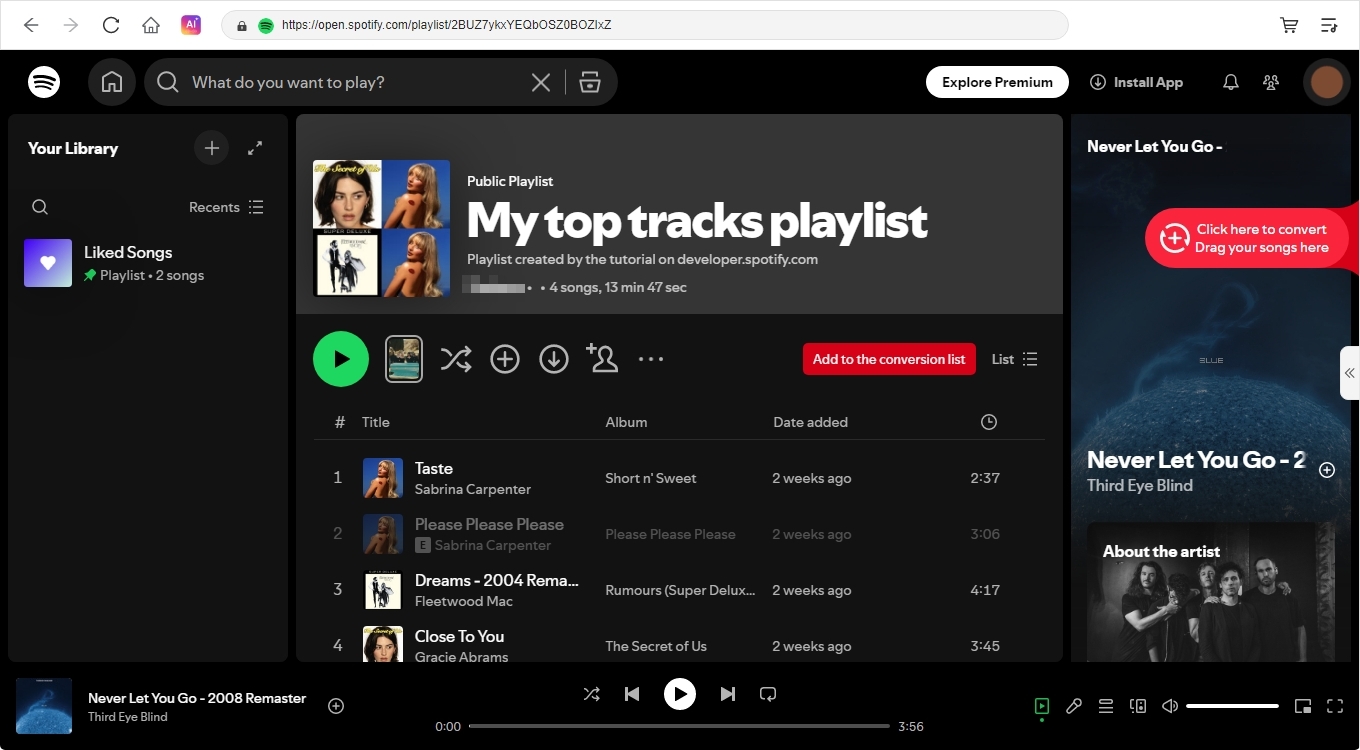
Step3.
Return to the software, select the platform, choose the audio content and add it to the conversion list.
Step4.
Click “Convert All” to export the audio as MP3, FLAC, or WAV with full metadata and high quality.
Why Choose Mediaio Audio Converter
Audio file not playing or incompatible with your device? Mediaio Audio Converter helps convert
online audio files into popular formats, making them playable on any device and accessible anytime
offline. Designed for major music and audio platforms, Mediaio Audio Converter ensures you can enjoy
your favorite audio sources anywhere, anytime.
1000+
30x Faster
Lossless
99%
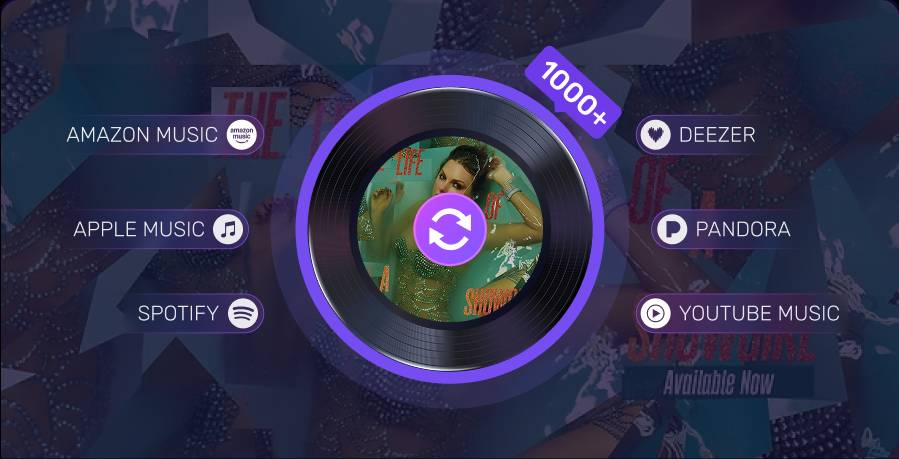
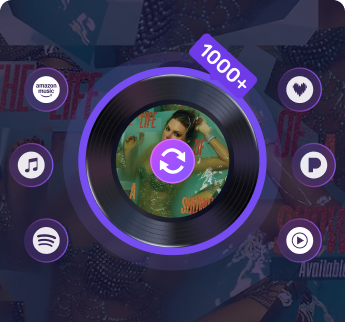
Mediaio Audio Converter currently supports major platforms including Spotify, Apple
Music, Amazon Music, Pandora, and Deezer. In upcoming versions, it will expand to
support over 1,000 audio platforms.
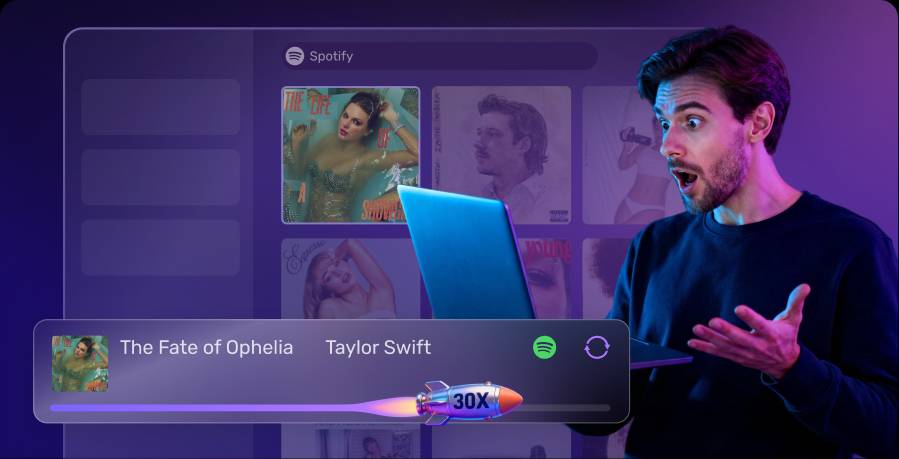
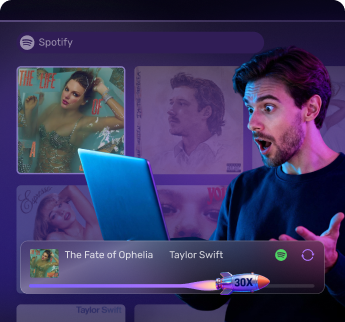
With 30× faster audio conversion speed, Mediaio Audio Converter enables quick and
efficient batch processing of audio files, saving you valuable time.
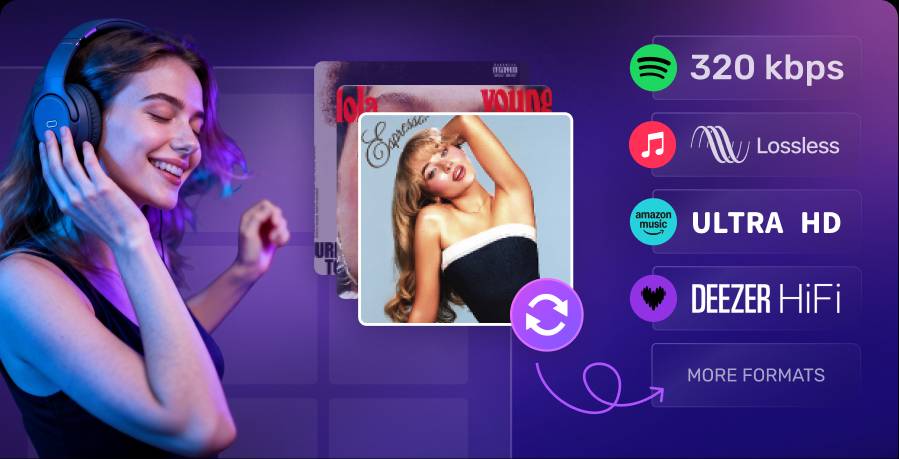
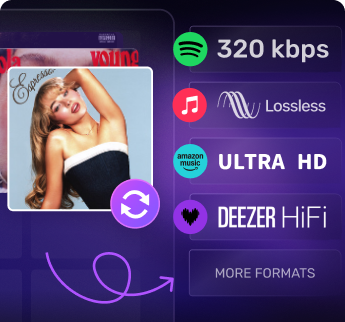
Supports conversion to high-quality audio formats such as Spotify 320 kbps, Apple Music
Lossless, Amazon Music Ultra HD, Deezer HiFi, and more.
Supports conversion to high-quality audio formats such as Spotify 320 kbps, Apple Music
Lossless, Amazon Music Ultra HD, Deezer HiFi, and more.
1000+
30x Faster
Lossless
99%
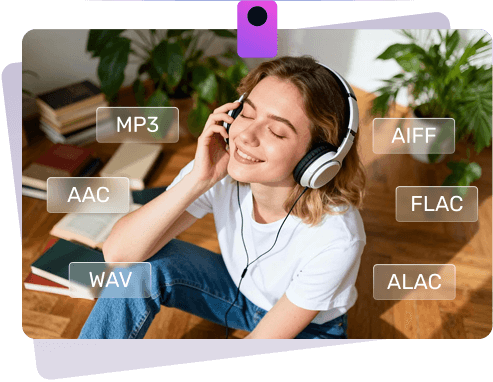
Convert Audio to Common Formats
Convert your audio files into popular formats such as MP3, AAC, WAV, FLAC, ALAC, and AIFF,
making them playable on any device including phones, computers, and car audio systems
without any compatibility limits.
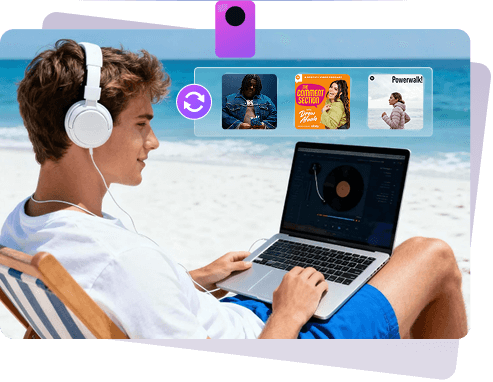
Convert Audio In Batch
Convert your audio files such as playlists, albums, and audiobooks in batches at 30× faster
speed, saving significant time when processing large volumes of audio.
Save Various Music Resources Offline
Mediaio Audio Converter supports various types of audio conversions, including songs, playlists,
podcasts, albums, audiobooks, artists, and more.

5+
years of experience

180+
countries and territories

16 Million+
satisfied users

Secure
100% security garantee

30 Days
money back guarantee

Support
24/7/365 customer service
More Features

Embedded Audio Player
Built-in audio player for easily searching and previewing the audio you want.

ID3 Tags
Retains original ID3 tags during music conversion, making music management easier and more
organized.

100% Safe
100% safe and free from any viruses.

No Ads
Automatically removes ads during audio conversion, allowing uninterrupted listening without
distractions.

Permanent Saving
Convert audio for offline listening and keep it permanently, with no time restrictions.

Customize Output
Customize your output path based on song title, artist, album, and more for organized and
efficient file management.
Reviews from Our Users

Chloe M.

This Audio Converter supports all my favorite platforms, allowing me to easily convert my
Spotify and Apple Music libraries to MP3 for offline listening. The audio quality is
perfectly preserved, truly an excellent software.

Kai S.
I’ve been searching for a tool like this which meets almost all my needs. It supports my
favorite music platforms, converts quickly, maintains excellent audio quality, and offers a
great user experience. Highly recommended!

Mila P.
I’ve tried other similar software, but I ultimately chose Mediaio Audio Converter. Beyond
its powerful and easy-to-use features, the most important thing is its stability. Even if
issues arise, they are quickly resolved. That reliability is truly invaluable!
Chloe M.
Kai S.
Mila P.