

Everyone knows Spotify Premium Duo is meant for two people. But the details aren’t always clear. For example, can any two people use it? What are the actual requirements? What does each user get? What kind of restrictions come with it?
So if you’re considering upgrading, it’s worth understanding how Spotify Duo works in 2026. Even if you’ve used it before, go through this guide before upgrading this time, as things have changed recently. Duo is no longer available in some countries and certain features have been adjusted or quietly removed.

What Is Spotify Premium Duo
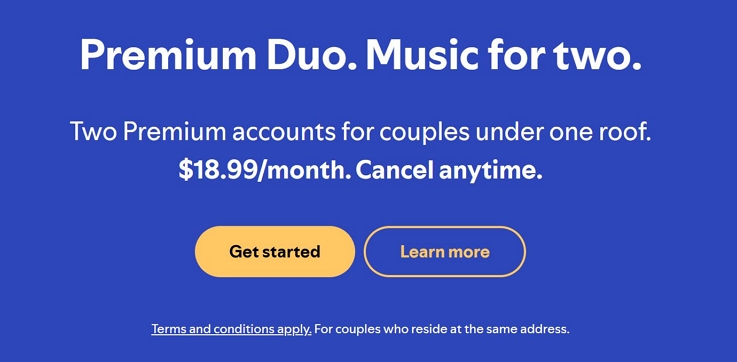
Spotify’s Premium Duo is a discounted subscription plan made for two people living at the same address — partners, roommates, or any two people sharing a space.
The idea stays simple. You split and pay for the discounted plan. But both of you will get a completely separate Premium account, with separate passwords, private libraries, and your own personal recommendations.
Where Is Spotify Premium Duo Available?
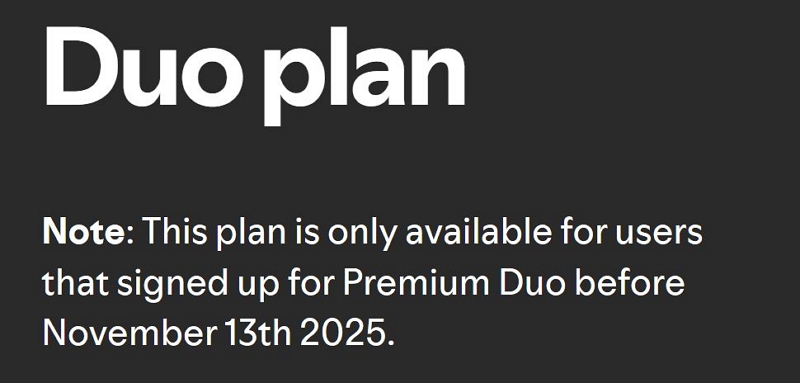
Spotify Premium Duo is not active everywhere anymore. It has been discontinued as a plan in many countries, like India, South Africa, UAE, and Saudi Arabia.
Spotify is letting existing subscribers enjoy their Duo until their current plan ends. But it is not allowing renewal after that.
So if you don’t see Duo in your plan options, it’s not an error. It means it’s no longer offered where you are.

How Does Spotify Duo Work with Two Existing Accounts
At its core, Spotify Premium Duo is designed to give two individuals living under the same roof a discounted way to enjoy Spotify Premium. The only thing you share is the payment and the only requirement you must meet is the same physical address.
Beyond that, both accounts remain completely independent. Your libraries will stay 100% separate. Your playlists, recommendations, and listening history will not merge. And you’re not limited to listening at home. You can play your music anywhere, anytime.
You can continue using your own account exactly the way you would with an individual plan. Even your downloads remain separate on your own devices.
Do Both Duo Users Get Full Premium Features?
Yes, when it comes to features, nothing is reduced or limited in terms of core listening. Both users get the exact same access as a regular individual Premium plan, except for audiobooks, where listening time varies for each user. That includes:
- Ad-free music.
- Unlimited skips and full on-demand playback.
- Both of you can maintain separate downloads of up to 10,000 songs on up to 5 devices.
- High-quality streaming up to 320kbps or lossless or CD-quality (44.1 kHz) in available regions.
- You can listen to music offline anywhere.
Earlier, Spotify offered Duo Mix for Duo subscribers— it was a shared playlist that aligned both of your listening habits.
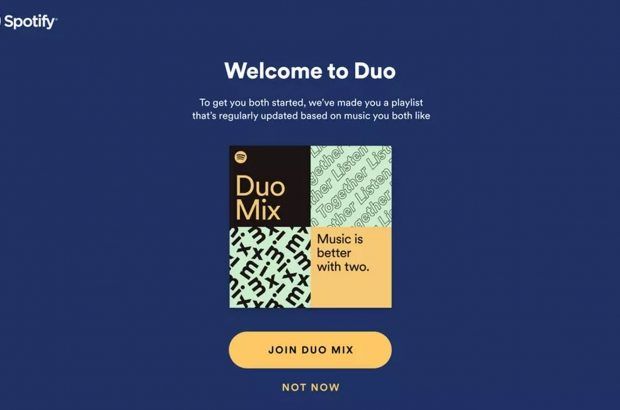
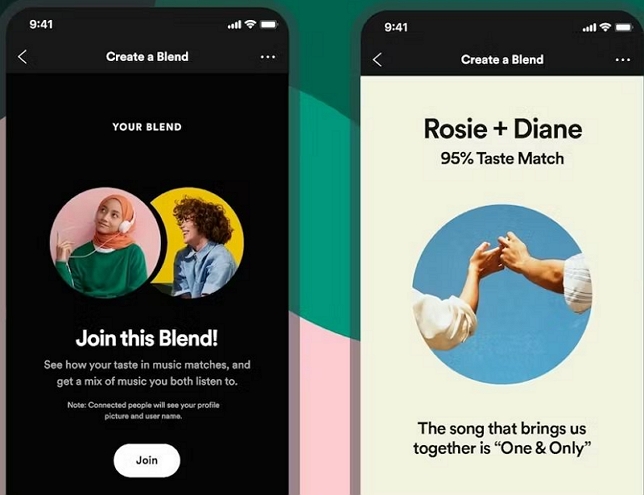
Now, the same experience lives in Spotify Blend. It also shows your taste match score.
Limits on Audiobooks Hours
Spotify also offers monthly audiobook hours with its Individual Premium plan (in selected regions).
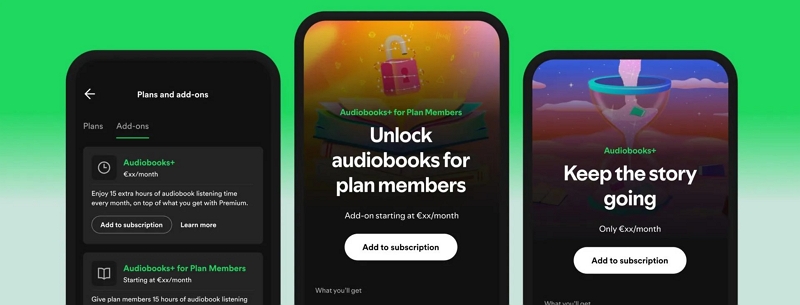
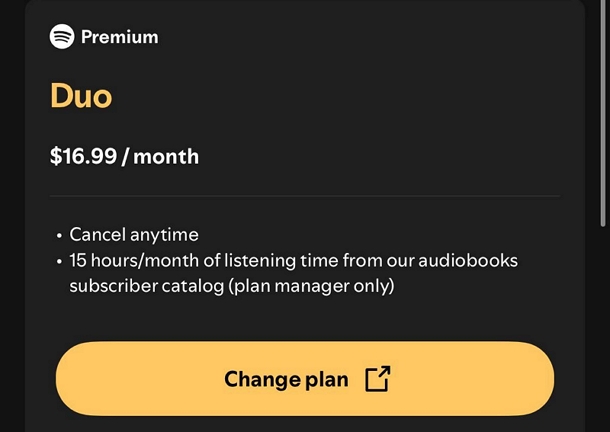
In the Duo plan, only one member (the plan manager) will get the audiobook listening time each month. Right now, Spotify typically gives 15 hours per month, though the actual amount varies by region. The second member does not get these included hours by default. But they can still access audiobooks by purchasing add-ons (via Audiobooks+).
How Does Spotify Duo Billing Work
Before we discuss Spotify Duo billing, let’s first take a look at the price of this plan.
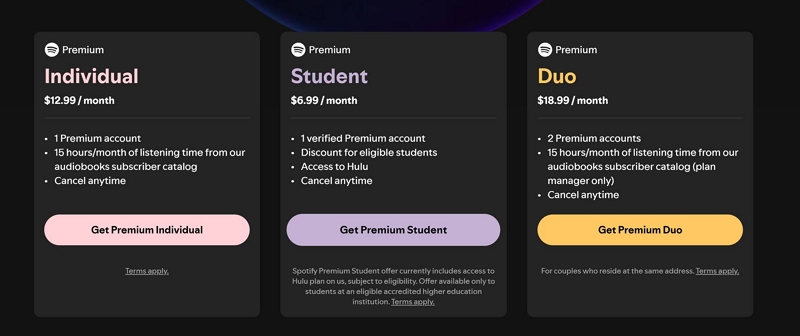
Price is the biggest reason partners or roommates go for Duo. A Duo plan costs US$18.99 per month while activating Premium on two separate accounts. Compared to this, a single Premium plan costs US$12.99 per month. So if two people buy separate plans, you’re paying roughly US$24–US$26 total. With Duo, that drops to about US$9.50 per person. That’s a saving of roughly US$7 every month (about US$84 a year).
Now, let’s get into how the billing works.
Spotify Duo billing is confusing. You’ll see many doubts users ask in the Spotify community:
- Do both users need to add their cards?
- Can you split the payment inside the app?
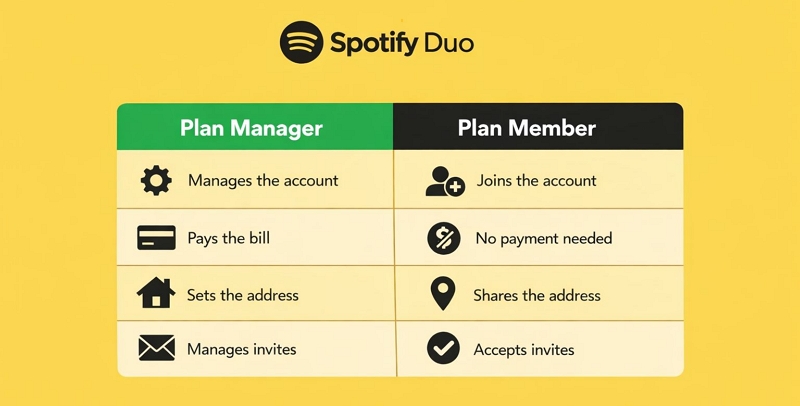
The short answer is NO. Everything is handled by one account only. In a Spotify Duo setup, there is a Plan Manager and a Plan Member, just like in the Family plan where one manager controls the plan and the other 5 are members. Here’s how it works.
Plan manager:
This is the person who upgrades or subscribes to the Spotify Premium Duo plan. It can be you or the other person, but only one account takes this role. The plan manager is the one who adds payment details. So the full monthly fee (US$18.99) is charged only to this account.
Plan member (the invitee):
This person does not need to add any payment details at all. They will get the full premium access once they accept an invite sent by the Plan Manager.
So there’s no built-in way to split the cost inside Spotify. And the app does not support shared billing between two users. If you want to divide the cost, you’ll have to handle it outside, e.g., cash, Venmo.
One more thing you need to be very clear about.
The plan manager role cannot be changed once the plan is active. The person who starts the Duo subscription will remain the manager. That also means they keep control over billing and certain benefits like audiobook access. To change the roles, you will have to end the current subscription.
How Does Spotify Duo Verify You Live at the Same Address
Spotify Premium Duo is strictly meant for two people living at the same physical address. Keep in mind:
- Spotify asks to enter the complete home address when upgrading to Duo.
- When the plan member accepts the invite, they must enter the same address.
Now that’s where the confusion starts. Many people on forums like Reddit and other communities say that Spotify does not ask for proof — like utility bills or rental agreements. So people assume they can just enter the same address and use Duo from different locations.
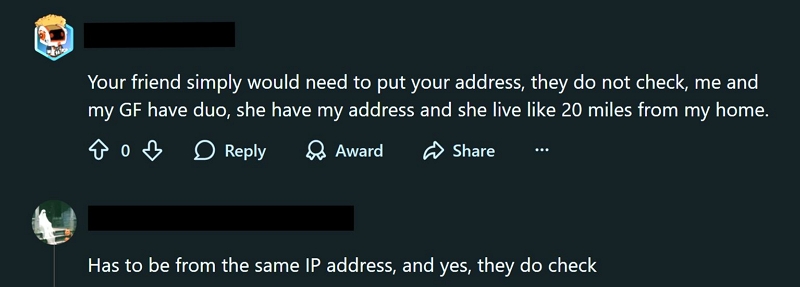
Earlier, this used to work more loosely. But things have changed. Spotify has always relied on a third-party address system, similar to Google Maps. But now, it validates addresses more strictly, so don’t rely on that advice unless you’re sure both accounts will match exactly.
Possible Issues During Address Verification
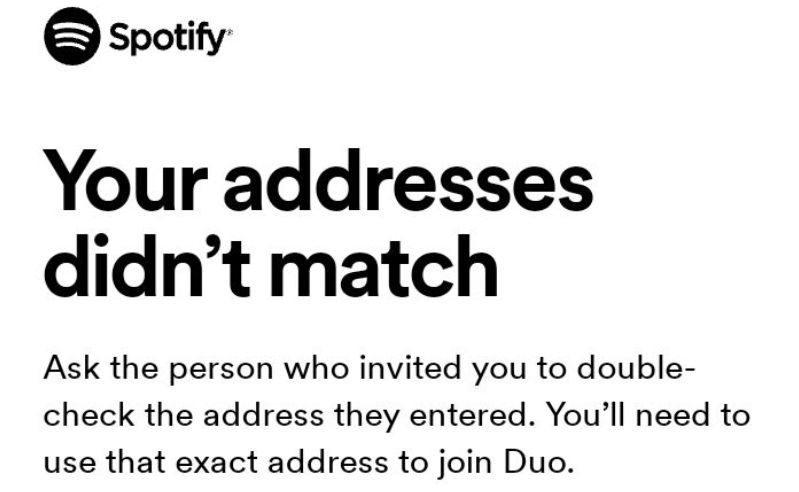
“Your address didn’t match” Error
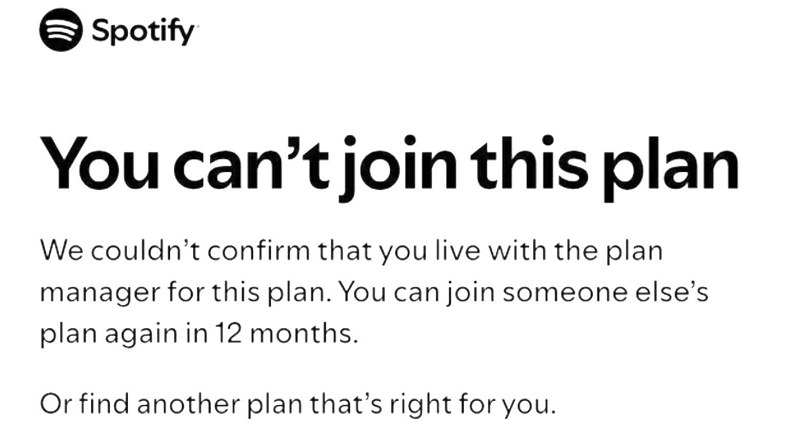
It isn’t fully clear how Spotify’s third-party system confirms your address. One thing is clear, though. If you repeatedly fail verification or ignore prompts, your account can be restricted from joining another Duo or Family plan for up to 12 months. So it’s better to get this right the first time.
Here’s how to avoid that:
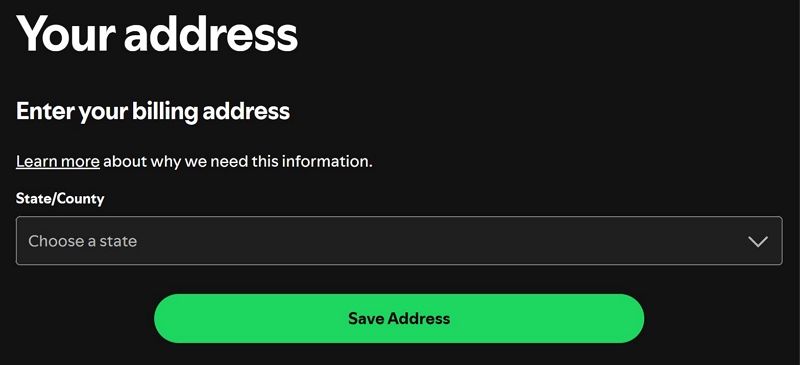
Spotify usually shows a dropdown of suggested addresses — both managers and members should try to use that. Or use Google Plus Code when it doesn’t list your address yet.
When you have to enter the address manually, make sure you both type the same address. Even small differences, like “Street” instead of “St.” can cause errors such as “Address doesn’t match” or “You can’t join this plan.”
“You need to live at the same address” Error
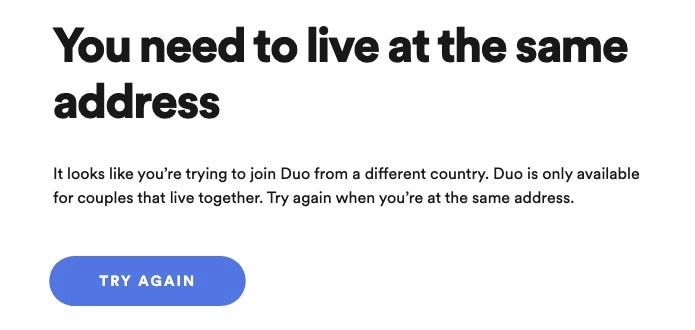
Many users do not realize that their Spotify could be running in a different country, like if they use VPN.

So check that both accounts show the same country. Go to the Spotify web player:
- Click your profile picture.
- Open Account.
- Choose Address option under the Account section.
- Confirm the country listed there.
Re-Verification Requests
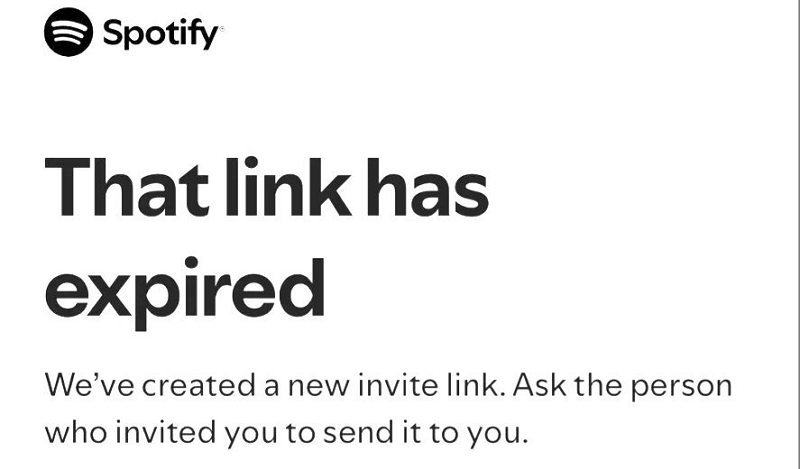
Spotify will occasionally ask the plan members to confirm their address again. This usually comes via email and must be completed within a limited time. If you ignore or miss this step, the plan will stop working properly.
Important:
Sometimes, Spotify often flags your account if you are travelling to another country or just using a VPN.

- For short trips, ask Support to re-verify your location after returning.
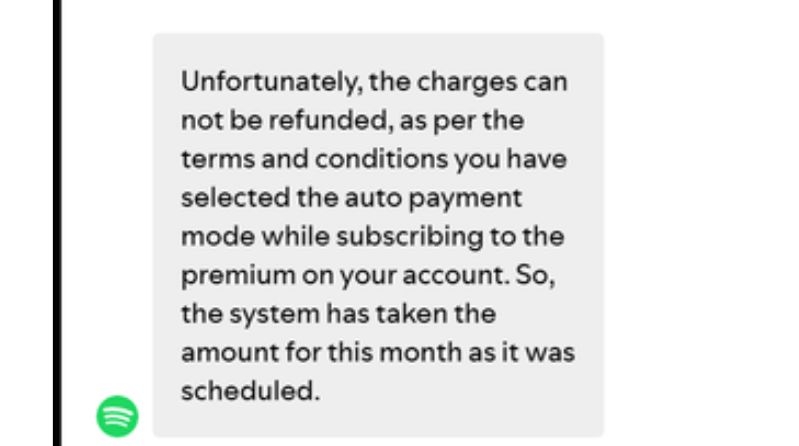
- For longer stays, this usually won’t work. Payments are automatic, and refunds are rarely allowed, so it’s better to cancel the plan and switch to your current region.
How to Use Spotify Duo
This section will show you how to subscribe to Spotify Premium Duo and the steps to invite the other member you want to add.
Step 1. Upgrade to Spotify Premium Duo - Plan Manager
Before upgrading, you and the other person need to decide who will be the plan manager. As mentioned, the role cannot be switched later. The plan manager is the one who will enter the payment details and pay for the plan. And they are also the ones who will get the monthly audiobook listening hours.
Note:
- If you already have a Premium Individual plan, Spotify will adjust your remaining days and shift your billing cycle to match the Duo plan.
- You cannot use Spotify gift cards or prepaid store cards for this plan. It requires a recurring payment method like a card or PayPal.
Now follow these steps:
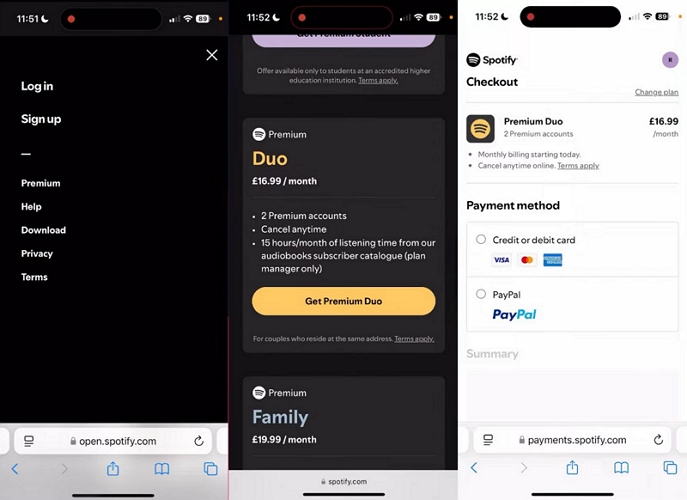
- Visit open.spotify.com/premium. Log in to your account.
- Tap View all plans. Scroll down until you find Premium Duo. Tap on Get Premium Duo.
- Complete the purchase.
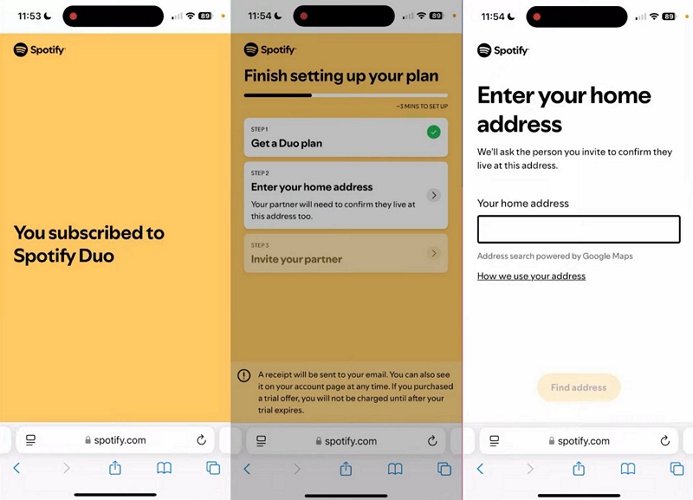
- After you get the confirmation message, don’t close it yet. Enter your full home address.
Step 2. Invite Your Duo Member - Plan Manager
You can invite the other member immediately or later. Follow these steps:
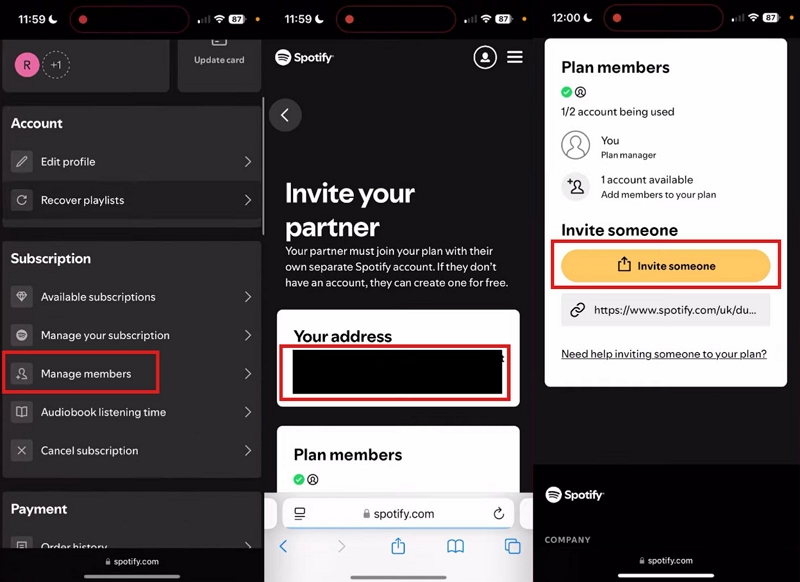
- Go to your account settings.
- Tap on Manage members.
- You will now reach the Invite your partner screen. Spotify will display your saved address here. It is better to take a screenshot of this for accuracy. Scroll down to the Plan members section.
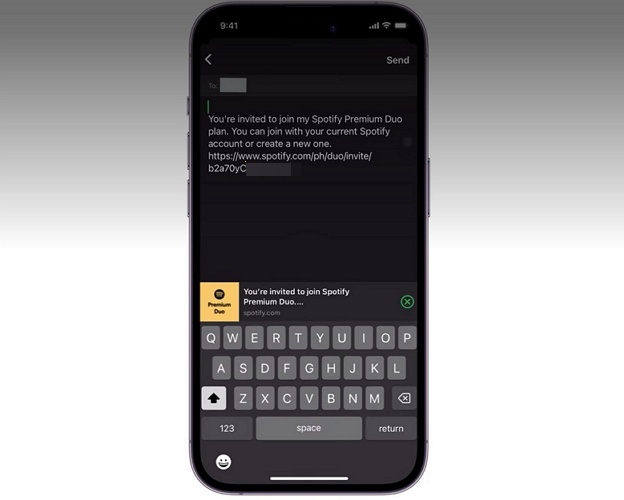
- Tap on Invite someone. This will open the share option on your phone.
- Or you can copy the link and send it to your roommate.
Step 3. Accept the Duo Member Invitation - Plan Member
Once you’ve sent the invitation, your partner or roommate just needs to click on it and continue from their side.
Note: Their existing Premium plan won’t need any manual cancellation. Billing will stop on their current plan and payment shifts to the Duo plan manager.
Here’s what they have to do:
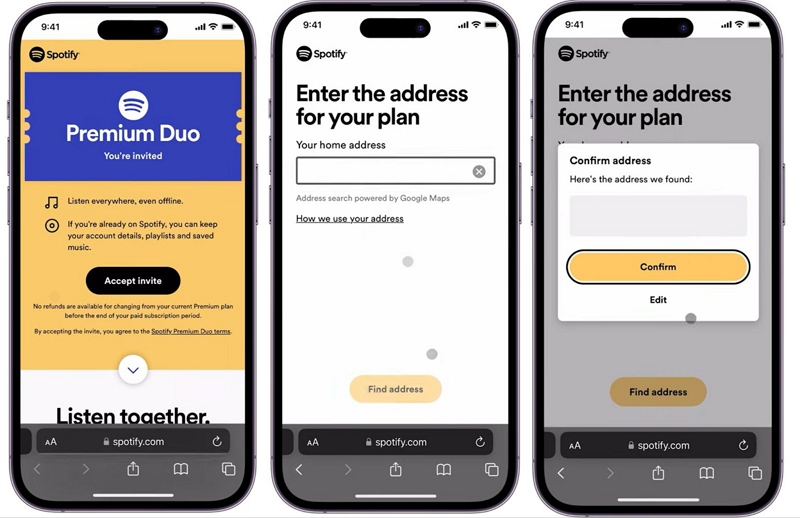
- Ask them to open the invite link. They will see an Accept invite button and have to log in.
- Spotify will ask them to enter their home address. They must enter the exact same address that was used earlier. They can use the Find address option if they are at the same location.
- Spotify will ask them to confirm the address. They just need to tap Confirm.
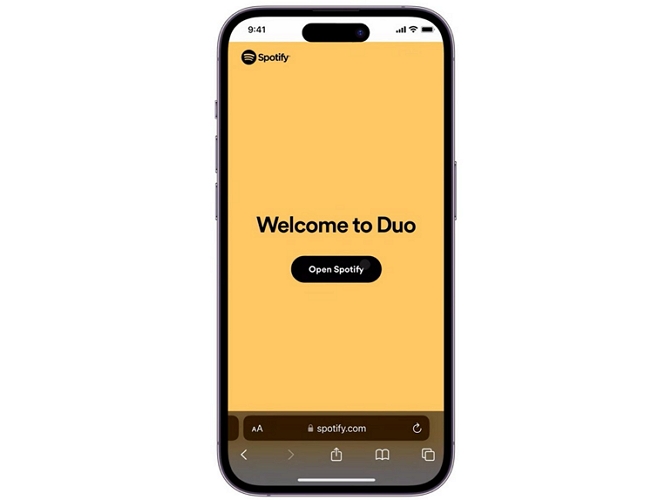
- Once done, they will see a confirmation screen showing that they have joined Duo.
Manage the Plan Later
Your Duo plan will stay active as long as the plan manager keeps paying the monthly bill. However, both of you can leave the plan at any time.
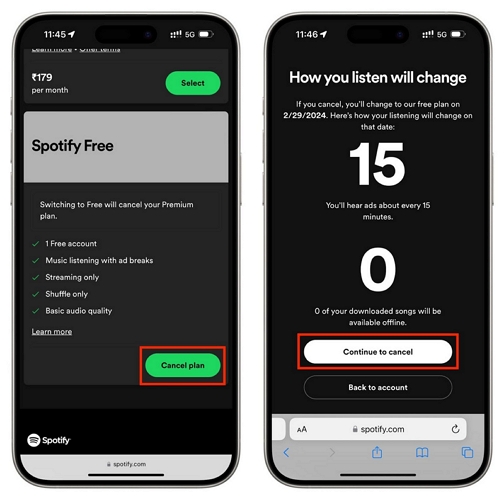
If the member wants to leave:
- They can go to their Spotify account page in a browser.
- Under Your plan, they can choose to Change plan.
- They can select Cancel Plan under Spotify Free.
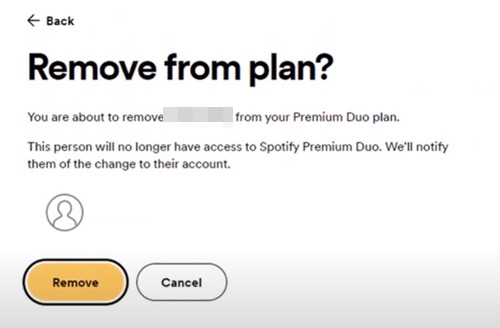
If the plan manager wants to remove the member:
- Go to the account page.
- Under Subscription, open Manage members again.
- Tap on the member’s profile and select Remove.
This will free up the slot immediately so you can invite another person.
How to Listen to Spotify Offline with Premium Duo
If you already have Premium and some songs downloaded in your library, don’t worry, upgrading to or joining Spotify Duo will not remove them. Your downloads stay exactly as they are.
But if you’re not fully sure how Spotify downloads work, this section will show you. And besides the official method, we’ll also show you another option — how to convert Spotify songs to MP3 using Mediaio Audio Converter.
Method 1. Download Songs with Spotify Premium Duo
Spotify Premium Duo only combines billing, so downloading playlists works exactly like a normal Premium account. Here’s how it flows.
Step 1. Pick the playlist or album you want offline, since Spotify restricts individual track downloads.
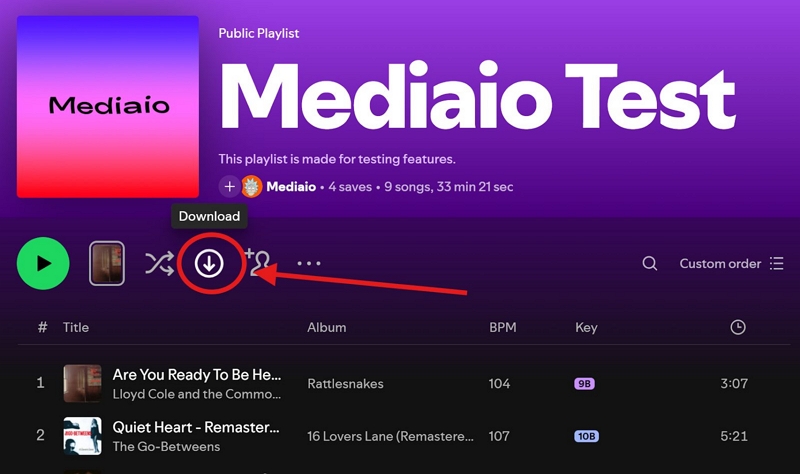
Step 2. Tap the Download button near the playlist controls.
Step 3. The button will turn green, confirming that the songs are saved.
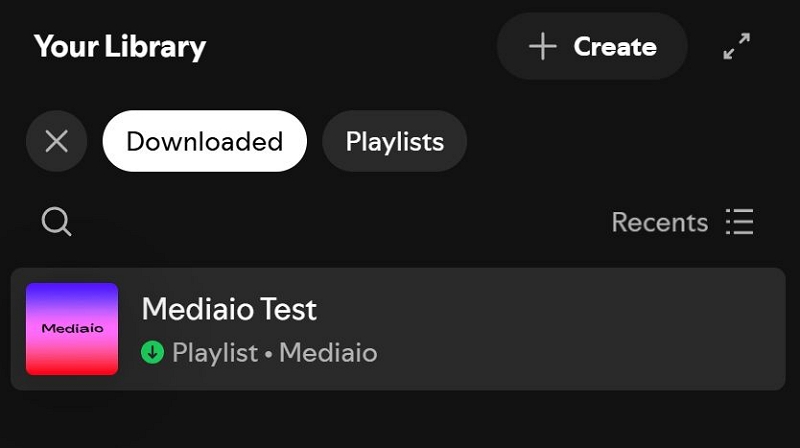
Step 4. Head into Your Library. Use Downloaded filter to quickly spot what’s available offline.
Step 5. Turn off the internet and press play. Your music will run smoothly, but only inside the Spotify app.
Method 2. Convert Spotify Songs to MP3 (Mediaio Audio Converter)
Spotify keeps all downloads locked inside the app, no matter which plan you purchase. But sometimes you need songs and audiobooks in local formats like MP3, WAV, or FLAC, so you can play them with any media player with stronger playback features. For this, you can use Mediaio Audio Converter.
Mediaio is designed to convert your favorite Spotify playlists and audiobooks, and save them into local files using simple clicks. You don’t have to copy links or add single songs to a playlist for download. It comes with an integrated Spotify player and supports single or batch downloads.
The exported songs will retain their original sound quality. Your playlists and albums are saved in proper order — nothing gets shuffled or lost. Even the song details (song name, artist name, cover art, etc.) are preserved, just like you see on Spotify. So when you play them in any media player, it will feel familiar and well organized.
Conclusion
If you share your space with someone and both of you want Spotify Premium, Spotify Duo is the simplest way to save money. You get two completely separate accounts. The only real limitation comes with audiobooks, since the included listening hours stay with the plan manager.
If you want to save your Spotify music offline, you can use your Spotify Duo account to download music with the app or use Mediaio Audio Converter to export songs, playlists or audiobooks as local files.