

The question “Can you change your Spotify username?” may come to mind in various situations. Here are some common examples: you aren’t satisfied with the username you chose years ago, you don’t like your current username because it’s hard to remember, or you want it to match your other social accounts so people can find you more easily. So, what’s the answer? Is it possible to change your Spotify handle? You’ll find the detailed answer in this post.

Can You Change Your Spotify Username in 2026
Short answer: No.
Spotify does not let you change your username anymore and it hasn’t for years.
Before 2018, Spotify allowed users to pick a username during signup. Today, as soon as you create a new account, Spotify will assign you an automatically generated username (a mix of letters and numbers). Once assigned, that user ID is permanent.
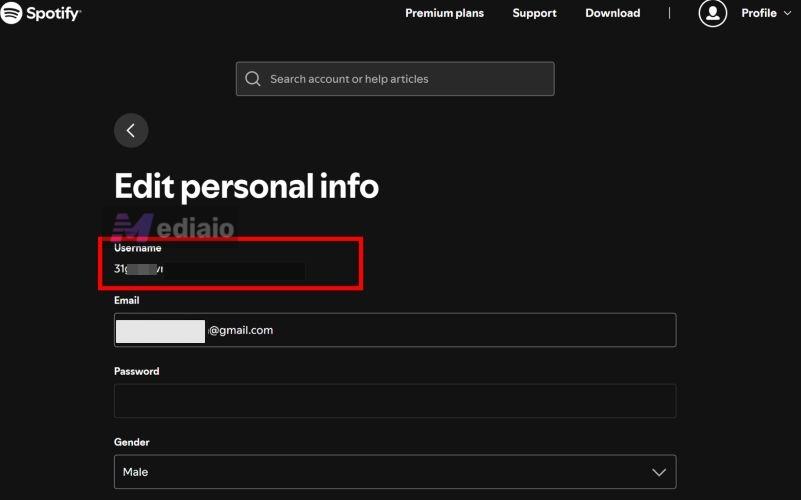
On your Spotify mobile app or web player, go to Account and tap Edit personal info. You’ll notice that password, personal details and email can be changed. However, Spotify username cannot be touched with no edit field available.
Get a Different Username by Creating a New Spotify Account
Many of you might have created your account before 2018, but don’t like the username you chose back. Still, Spotify still won’t let you change it. The workaround is to create a new account.
However, you still won’t get to pick a custom username and will receive a system-generated one. That lets you move on from the old username entirely.
How to Create a New Spotify Account
- Log out of your current Spotify account and click Sign up.
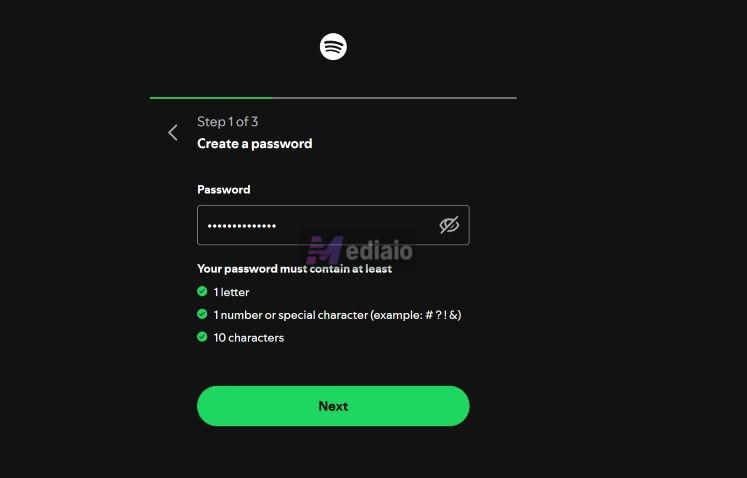
- Enter a new email address and create a password that meets Spotify’s rules.
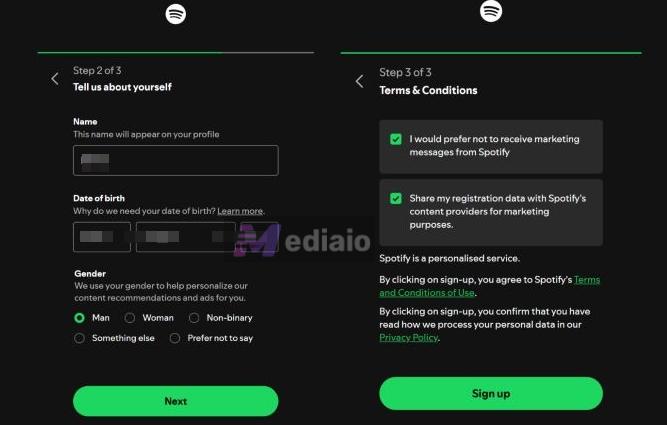
- Enter a display name that is what people see. Then, add date of birth and gender. Finally, accept the terms and finish the signup. Your new account is ready.

Move Your Music to the New Account
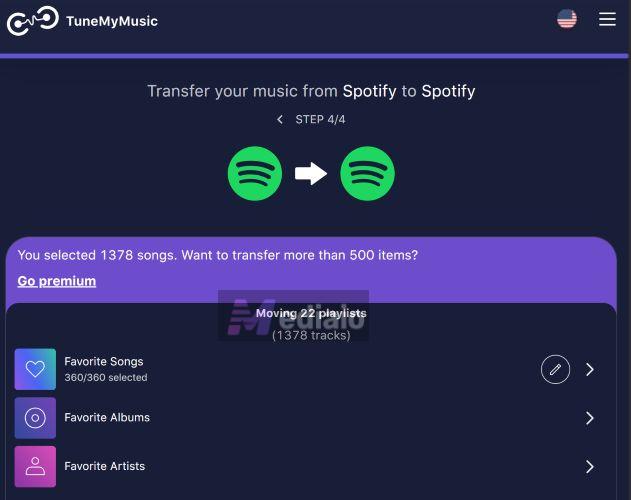
Don’t worry, you don’t have to rebuild your playlists from scratch. You can use an online transfer tool like TuneMyMusic or FreeYourMusic to move your playlists from your old Spotify account to a new one in one go. Here’s how it works:
- Open TuneMyMusic.
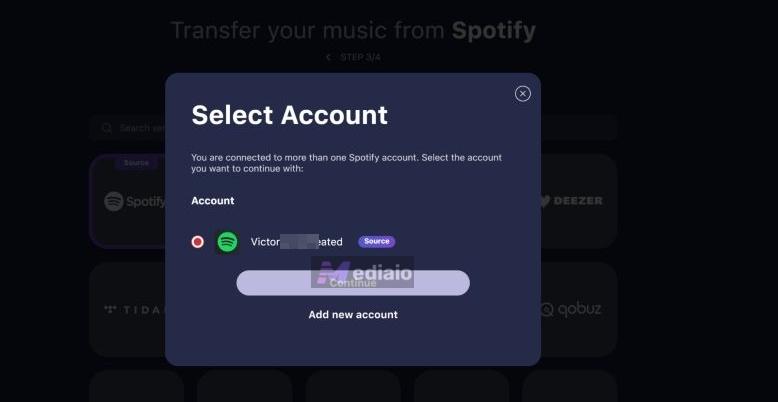
- Choose Spotify as the source and sign in to your old Spotify account.
- Select playlists to transfer.
- Choose Spotify again as the destination and sign in to your new account.
- Start the transfer. Your playlists are copied over.
If you only want to transfer a few small playlists from your current Spotify account to a new one, using local files is also an option. Simply save your Spotify playlists as offline files with Mediaio Audio Converter and then upload them to your new Spotify account.
When Is Your Spotify Username Used
The username mostly stays in the background and it's usually not visible to others. As already mentioned, the Spotify username exists mainly for internal and technical purposes. It helps Spotify identify your account reliably. There are a few situations where the username is actually used.
1. Login Scenarios
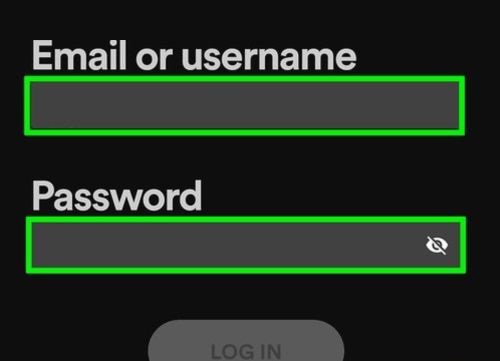
If you don’t remember the email address tied to your account and you’re not using Google, Apple, or Facebook sign-in, you can still log in using Spotify username + password. This works as a valid login identifier when email-based login isn’t an option.
2. Account Recovery and Support
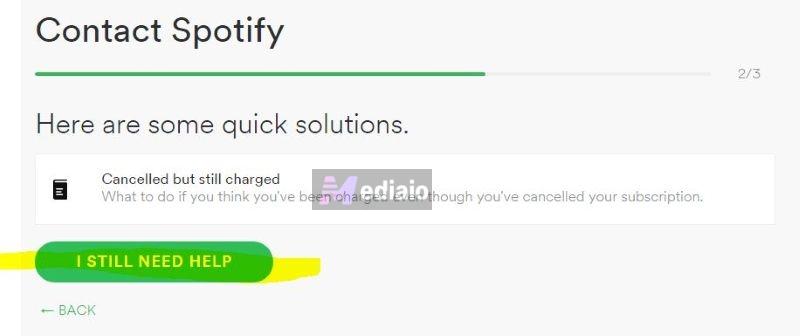
In account recovery situations (forgotten password, locked account, access issues), Spotify Support may ask for your username or your profile URL which contains the username.
This helps them identify the correct account, especially if you have multiple emails or old sign-ups.
3. Profile URLs and Sharing Links
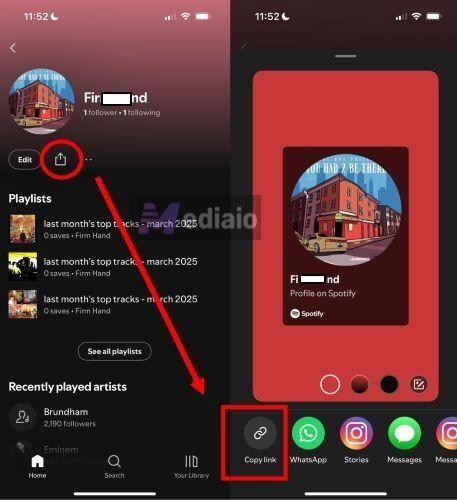
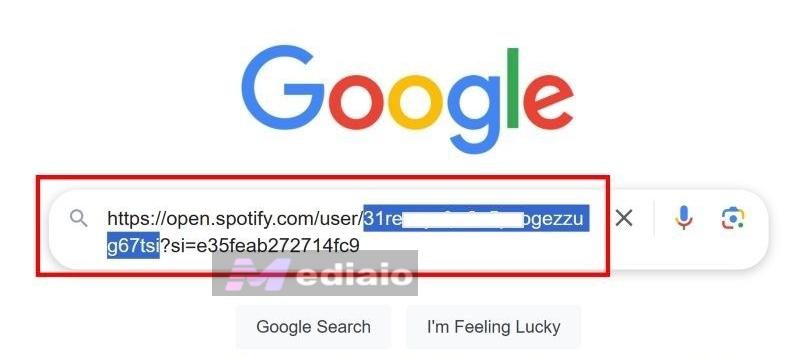
Your Spotify username appears inside your profile URL. For example, a profile link looks like this: https://open.spotify.com/user/your-username-string. This comes into play when:
- you copy and share your profile link manually
- someone pastes your URL outside Spotify
4. Third-party Apps and Tools
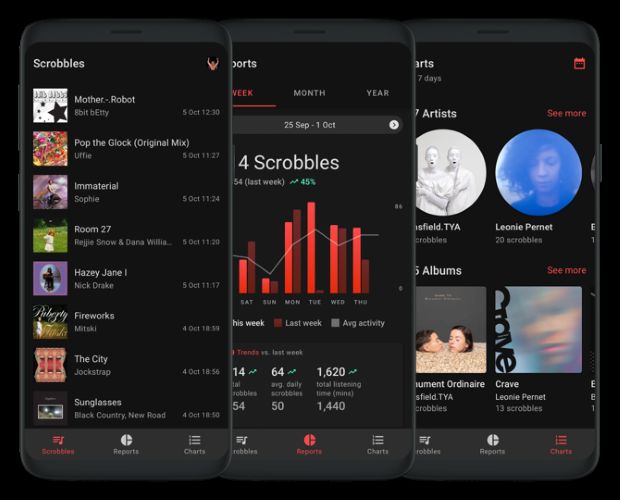
When you connect Spotify to third-party services, like scrobblers, stats tools or playlist visualizers, they rely on Spotify’s API. Behind the scenes, these tools use your username (or profile ID) to identify your account after you authorize access.
5. Internal System Use
Spotify also uses the username internally to:
- link playlists to your account
- track follows and saves
- keep listening history intact
This is one of the main reasons Spotify doesn’t allow username changes.
Can People See Your Spotify Username?
Well, it depends.
By default, no one sees your Spotify username. In normal use, people only see your display name.
There is just one technical edge case. If someone opens your profile:
- Tap Copy profile link.
- And look closely at the URL, your username appears inside that link.
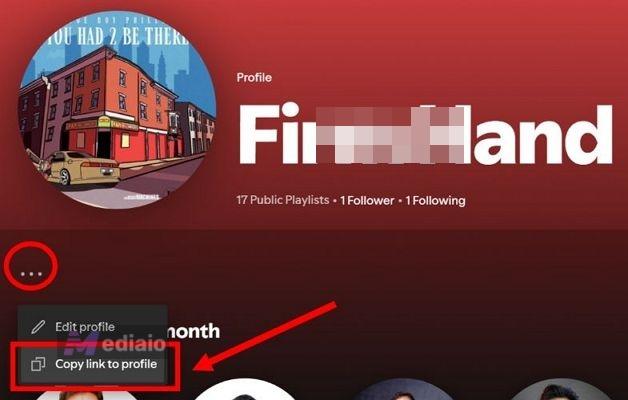
So yes, it can be extracted if someone knows what they’re doing.
In practice though:
- almost nobody checks this
- it does not give account access
- Spotify does not allow login or control using just a username
So there’s nothing to stress about.
For everyday things, searching profiles, viewing playlists, following users, your username stays hidden and your display name is what people see.
What Is a Spotify Display Name?
Your Spotify display name is the name shown publicly on your profile. This is the name that users see on your profile page/playlists, next to “Created by” or “Followed by”, in Friend Activity or when someone searches you on Spotify.
Your display name is chosen by you, can be changed anytime and represents you publicly. You can use your real name or a nickname as the Spotify display name.
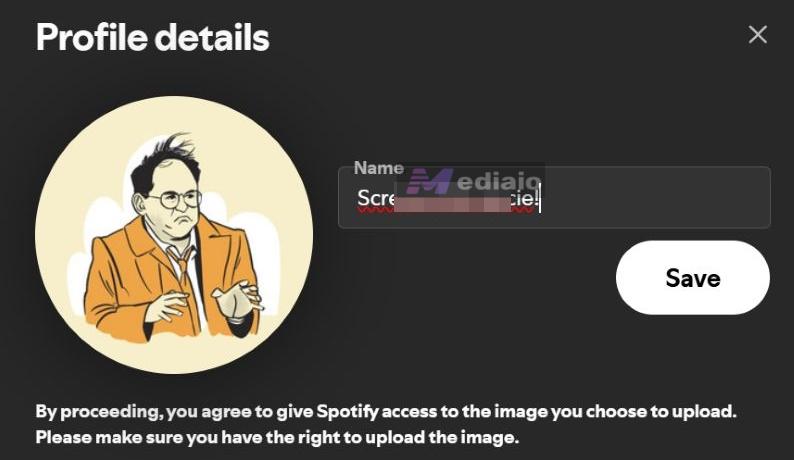
How to Change Your Spotify Display Name
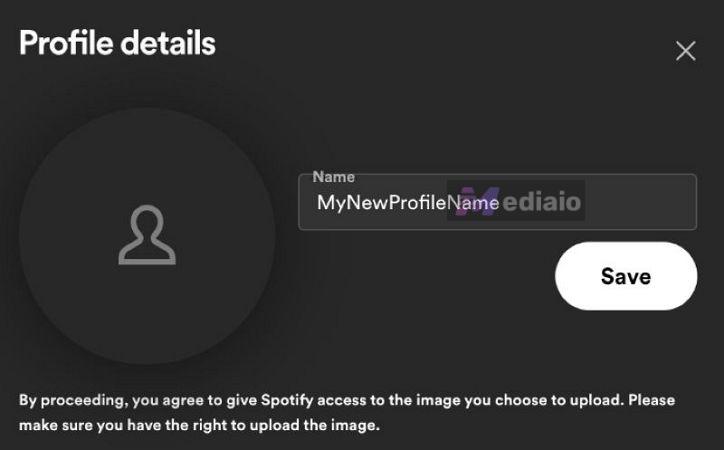
Changing your display name is easy. And it’s reversible, so you can change as often as you want. Here’s how to do it:
On Mobile (Android/iOS)
- Open Spotify and tap your profile picture.
- Go to View profile.
- Tap Edit profile, change the Name field and hit Save.
Your new display name updates everywhere right away.
On Desktop (Windows, macOS, Web)
- Click your Spotify profile picture in the top-right corner.
- Select Profile and click directly on your display name. Type a new name and save it.
Conclusion
Now you know exactly how Spotify usernames work. You cannot change it, but the good news is that it doesn’t really matter. Your username stays hidden in normal use. The only real option to get rid of the old username is create a new Spotify account. From there, you have two practical paths:
- You can transfer your playlists to the new account using online transfer tools.
- Or you can keep your old music as local files using Mediaio Audio Converter to listen offline anytime and let the new account start clean with fresh recommendations.