

You’re scrolling through your YouTube Shorts and suddenly the background music catches your attention. Maybe it’s a melody you heard years ago or it’s something that just resonates with you. And now you want to hear the full version of that song. The good news is that finding it is easy. In this guide, you’ll learn how to find background music in a YouTube Short, whether the track is clearly audible, buried under voices and sound effects, or even when only 5–10 seconds of the music is available in the clip.
Find Background Music in YouTube Shorts: How to Pick the Right Method
All the methods discussed in this guide are effective. However, your success rate depends on the type of YouTube Short you are trying to identify music from. For example, is the background music playing clearly on its own, or is it buried under heavy voiceovers and sound effects? Is it a remix or a clean studio recording that simply feels familiar but you cannot recall the name?
To make things easier, here’s an overview of all the methods so you can pick the right method.
Always check this first before trying anything else. In many Shorts, the song is already tagged by YouTube, creator, or users.
A five-second clip can be enough.
Even works if it’s a cover or the creator is singing or humming it.
10–15 seconds of clean audio is required.
Some tools can still detect remixes or altered versions by adjusting pitch or speed.
How to Find Background Music in YouTube Shorts
Now let’s look at each method in detail. In every section below, you’ll also find some tips, tools, and websites. We will also walk you through how to use these tools.
Way 1. Check Short’s Page
Before trying tools or forums, start with the Short page itself. Many people ignore this step, but the answer is often there. Sometimes the creator leaves a clue. Other times, YouTube’s own system identifies the music automatically. Here are the best places to check directly on the Short page.
Option 1. Feed
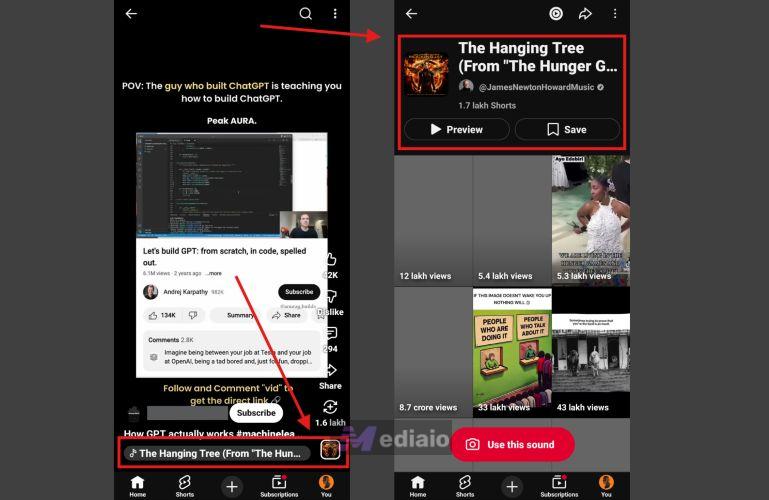
When a creator uses an official YouTube song, the platform attaches a sound label to the video. And you will see this label on the Short screen itself.
- A small Audio label will appear at the bottom. It will also usually include album artwork of the sound used in the Short. Tap that icon.
- Once you open it, YouTube will show the full name of the track.
- From there, you can click on Preview or Save.
However, sometimes the label will not appear. This happens when the creator has used their own audio but not an external song. Or, the music was embedded directly into the video before uploading. For example, if the creator edited the clip outside YouTube and added the audio during editing, so YouTube cannot detect the track.
Option 2. Description
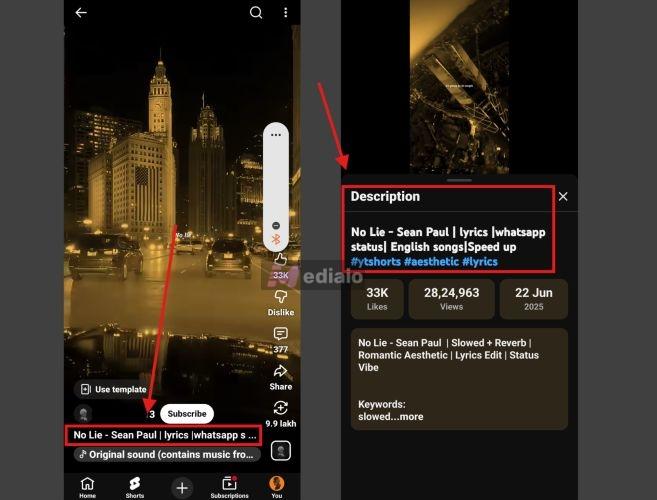
Many creators add a short description to their shorts, like what it is about and the background music used in the Short, as it improves their Short’s visibility. So, it is another place to look.
To open the video description, tap the collapsed text area below the creator’s name. This will expand the description panel. Inside it, you could often find:
- The song title
- The artist name
- Music credits
- Hashtags related to the audio
- Links to Spotify or Apple Music
Option 3. Comments
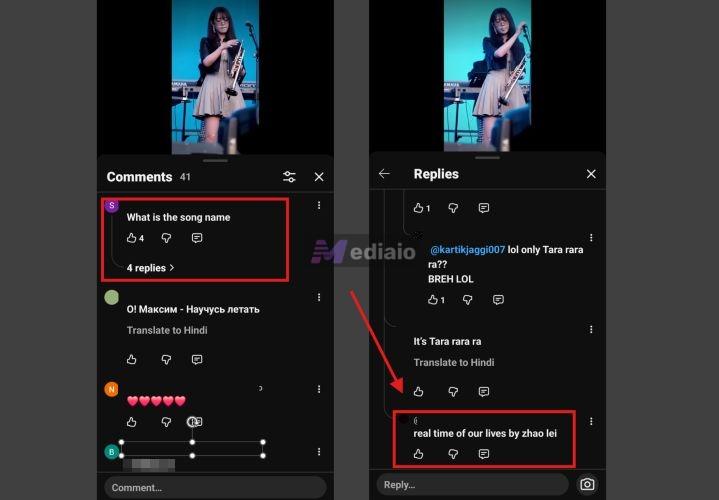
Now comes the most helpful place on the Short page: the comments. Many viewers are usually curious about background music. So, you will often see comments like: “What song is this?”In many cases, another viewer would have already replied with the correct song name.
If nobody has asked yet, you can leave your own comment. Active viewers or even the creator often respond quickly. Just check your notifications within an hour or two.
Tip: How to Save Found Background Music in YouTube Shorts
Once you identify the background music used in a YouTube Short, you can save the complete song as an offline audio and listen to it anytime.
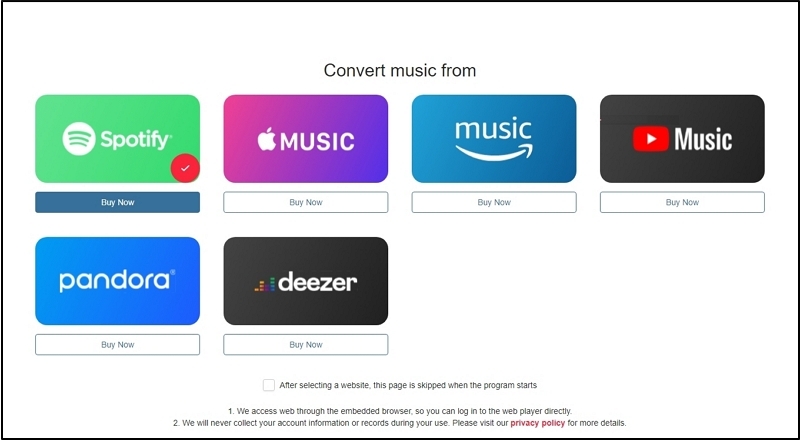
It doesn’t matter where the full version of the track exists — YouTube Music, Spotify, Apple Music, Amazon Music, Pandora, or Deezer. You can export it as MP3, M4A, FLAC, etc., using Mediaio Audio Converter.
Mediaio connects directly to these music platforms through built-in web players. So you can log into your account inside the interface, browse the track, and drag it for conversion. Mediaio will save it as a normal MP3 or M4A file on your computer. You can then play it with VLC, WMP or other local media players.
Way 2. Through Manual Identification
If the YouTube Short page itself is not helpful, you can let human ears take charge. That is, go to internet communities: here, real people can listen to the clip, either through the Short URL or a small recording, and help you identify the song.
This method is often helpful, even for obscure tracks. For instance, when the YT Short includes only five seconds of music, or it's folk music. Many members on them are real audio fans and they genuinely enjoy the challenge of identifying songs.
The only drawback with these is the response time. Sometimes you could get the exact track name with Spotify link within ten minutes. Other times, your post could sit for an entire year before it gets responses.
To increase your chances, post in all these communities.
Reddit makes it easy to find experts on any topic. For identifying songs, paste the Short URL and ask users for help on these subreddits:
- r/NameThatSong
- r/WhatsThisSong
- r/WhatSongIsThis
- r/HelpMeFind

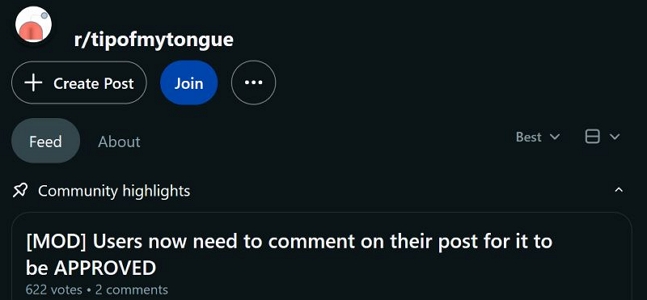
You can also try r/tipofmytongue (which has over 2.6 million members). It is known for its strong success rate. However, it is heavily moderated. You cannot simply drop the Short link. To post there, follow the format:
- Start the title with [TOMT]
- Then write something like identify this song
In the description: include the YouTube URL, but also provide other clues — genre, instruments, or vibe, etc. Also remember to leave a comment on your own post—important to show that you’re an active user.
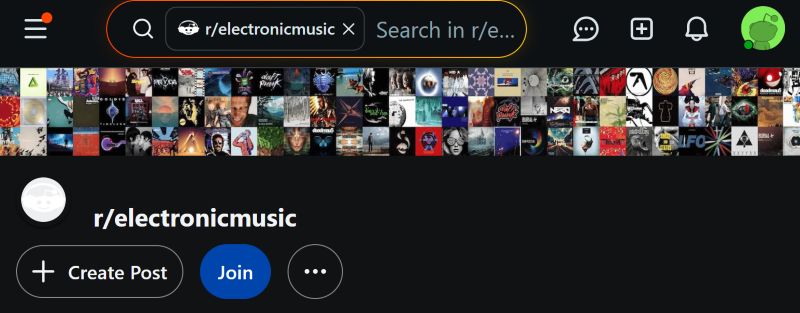
You can also try genre-specific subreddits, for example r/EDM or r/electronicmusic.
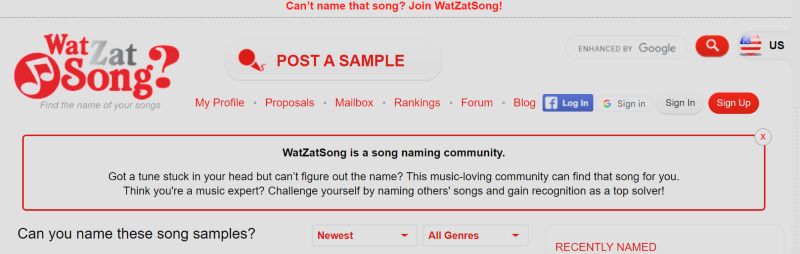
WatZatSong
Another community worth trying is WatZatSong. It is dedicated entirely to identifying songs. You will have to go through a long account creation process before posting a query. But that authentication step connects you to a very active community focused on music identification.
Once inside, you can paste the YouTube Short URL, add a few details about the clip, and ask the community for help. Users there will listen to the sample and help recognize the song.
Quora
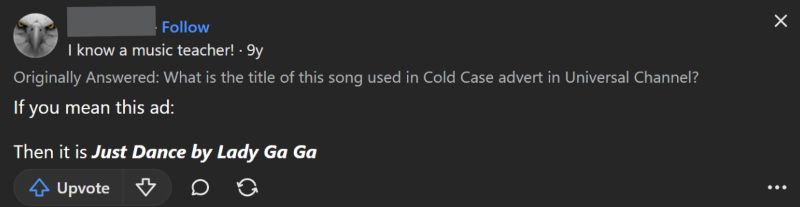
Quora can also help. The platform hosts many music discussion threads.
You can post a question such as “What song is used in this YouTube Short?” and include the Short URL. Listeners often respond with suggestions or possible matches.
Way 3. Use Recognition Tools
Automatic music recognition tools are another reliable way to identify music used in a YouTube Short.
These tools rely on audio fingerprinting to detect the song. That is: you let the app listen to the YouTube Short while the music plays. The tool will then analyze the sound patterns (beats, rhythm, signatures) and compare them with known fingerprints stored in its database. And the databases of the below tools are really large, so your chances of finding the song are high.
You can, of course, try all three. Still, here’s a quick comparison. It will help you choose the most suitable tool to start with.
 Built-in on iOS, iPadOS, macOS.
 Also available on Android and Windows. Direct links to Apple Music and Spotify.
Works instantly when a YouTube Short contains a clear vocal or instrumental track. Very accurate for YouTube Shorts featuring recognizable studio recordings.
It struggles with remixes, live covers, or heavily edited audio.
 iOS, Android
Links to Spotify and Apple Music.
Helpful when a YouTube Short features a creator singing or performing the song themselves. Or it only features partial melodies.
iOS, Android
Links to Spotify and Apple Music.
Helpful when a YouTube Short features a creator singing or performing the song themselves. Or it only features partial melodies.
 Built into Android via Google Assistant.
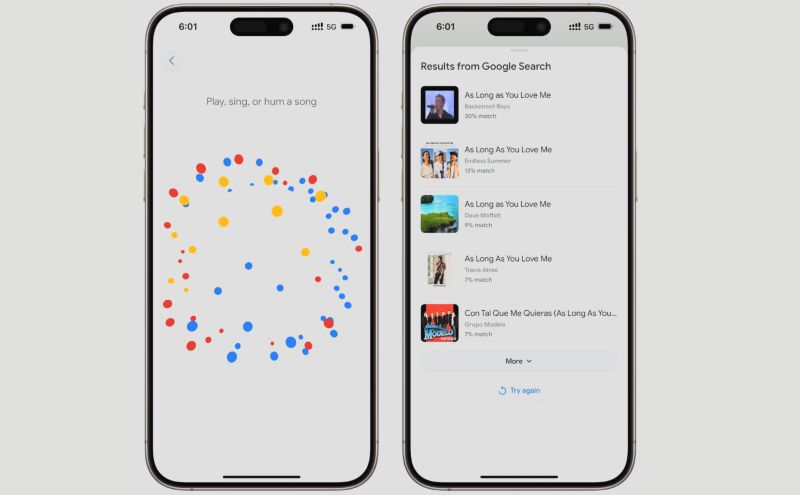
 Available on iOS through the Google app. Can detect songs by lyrics, humming, or whistling.
Uses Google’s large voice recognition database.
Works even when the YouTube Short contains very short clips (5–20 seconds). Particularly strong with obscure tracks, folk music, foreign music, or classical pieces that other tools sometimes miss.
Steps to Identify Music from a YouTube Short
Most recognition tools work in a similar way. They simply include a button that starts listening to the audio.
You can press the identify button and play the YouTube Short nearby so the app can listen to it. For example, you can ask “Hey Google, identify this song” if you are using Google’s built-in recognition.
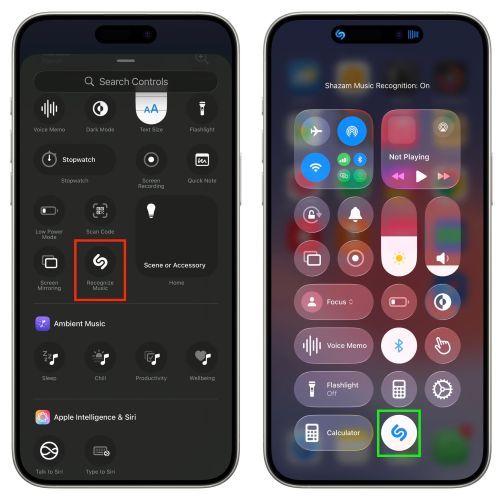
If you’re on an iPhone, it is even simpler:
- Open Control Center.
- Tap the Shazam icon (the stylized “S”) — you may need to add it to the Control Center first if it is not already there.
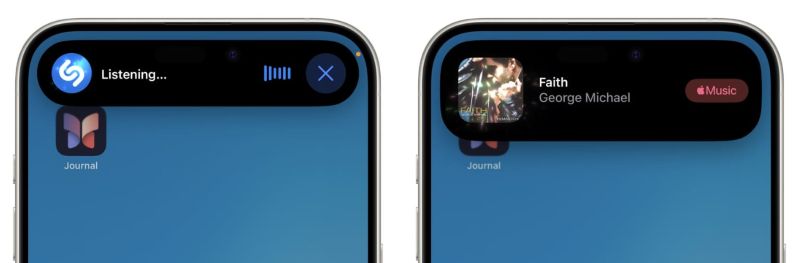
- Once activated, Shazam will listen to the audio currently playing (sound from a YouTube Short). The Short will pause. But press the Shazam button first, return to the Short, and replay it. Shazam will continue listening in the background.
- A notification will appear showing the track name, artist, and a direct Apple Music link.
Way 4. Via YouTube Short URL
You can also go with online recognition tools. However, these tools work best when the YouTube Short features the song clearly in the background. That means the music is prominent and there is no strong voiceover or heavy dialogue covering the track.
These tools use the same audio fingerprinting technology used by mobile recognition apps. The difference is that here you can submit the YouTube Short link directly, which makes the process quicker if you’re on the computer.
Here are three reliable web tools you can try. All of them are free to use.
AudioTag (audiotag.info)
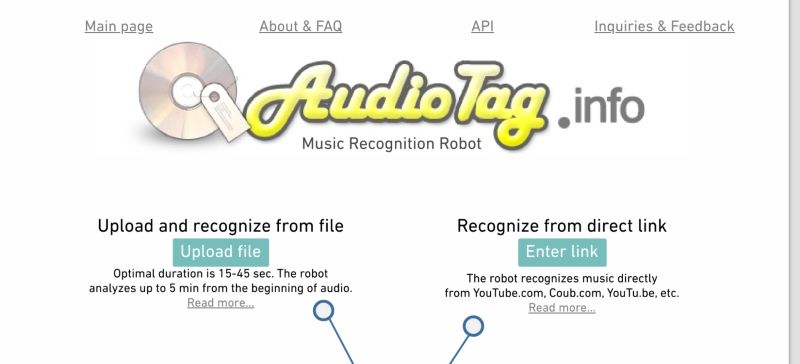
AudioTag is one of the oldest web tools for identifying songs from audio samples. Despite that, it still works well for many songs today. In fact, its long-running database lets you identify even lesser-known tracks, including songs that are not very popular or widely distributed.
When it delivers the results, you’ll usually find the song title, artist name, and other metadata. In many cases, it also provides a YouTube audio link so you can instantly listen to the identified track.
Song Finder (songfinder.gg)
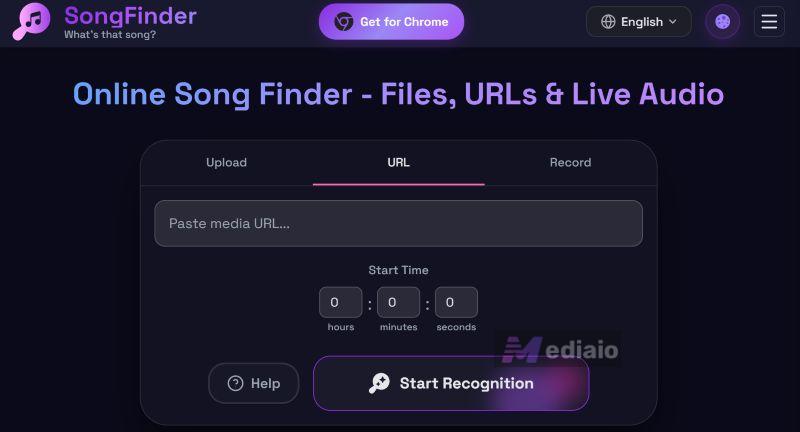
Song Finder is the modern alternative to AudioTag. Of course, it can analyze YouTube Short URLs directly. However, it will perform better when you upload the audio file itself. For example, you could first convert the YouTube Short audio to MP3 and upload that.
The reason is simple. When using a URL, the system will give you limited controls. But when you choose to upload the YouTube Short as an audio file, it will unlock several advanced features that will help improve recognition accuracy. For example:
Normalize audio
Boosts the volume if the music is too quiet in the Short.
Enhance audio
Uses processing to improve clarity before analysis.
Trim audio
Lets you select the exact section of the YouTube Short where the music is clearest.
Speed and pitch adjustment
Useful if the Short contains sped-up, slowed-down, or remixed audio.
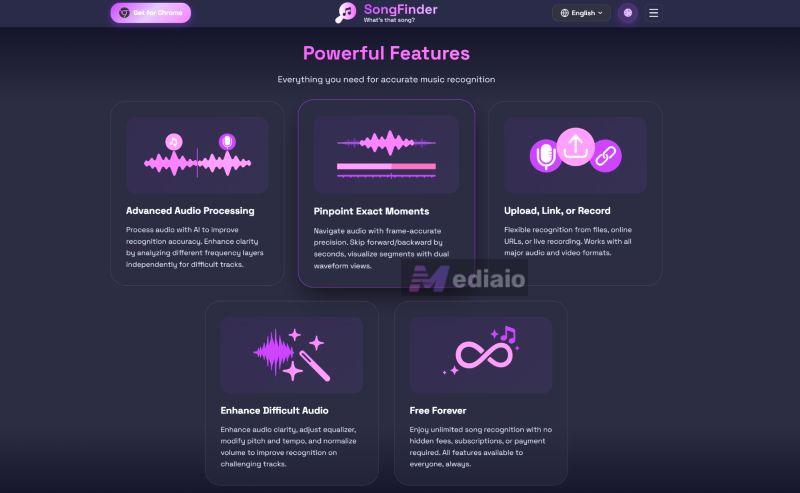
However, it still has some limitations. Like most recognition tools, it cannot detect:
- Very recent releases that are not yet indexed
- Local music that is not digitally distributed
- Certain regional folk recordings
Still, during testing, it worked well for popular songs, even when the clip came from a foreign movie soundtrack.
MusikErkennung (https://musikerkennung.com/en/recognize-link)
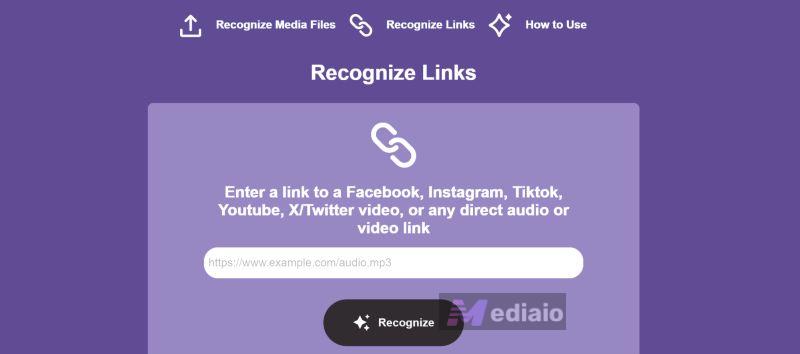
Make sure to visit the English version of MusikErkennung to understand its interface, as the original site is in German. Functionally, though, it is similar to the tools above. It's included here because its database is particularly strong for European music catalogs. And the tool is quite straightforward to use.
After analysis, it will return the identified matches via links to Shazam and YouTube.
Steps to use YouTube Short URL to identify background music:
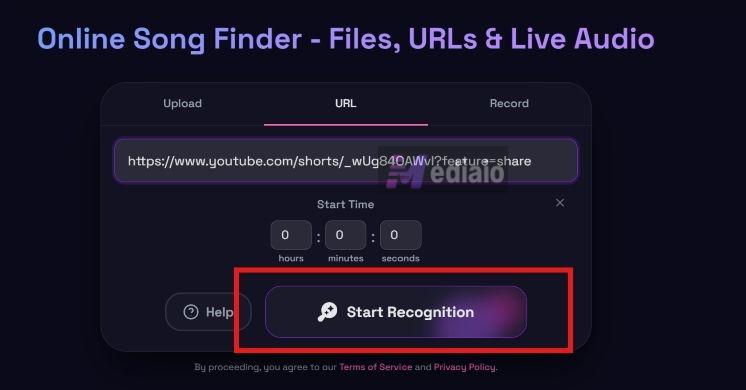
All of them work in a similar way — you simply copy the YouTube Short URL and paste it into the recognition site. Here’s a quick example using Song Finder.
Step 1. Go to Songfinder.gg. Paste the YouTube Short URL. Then, click Start Recognition.
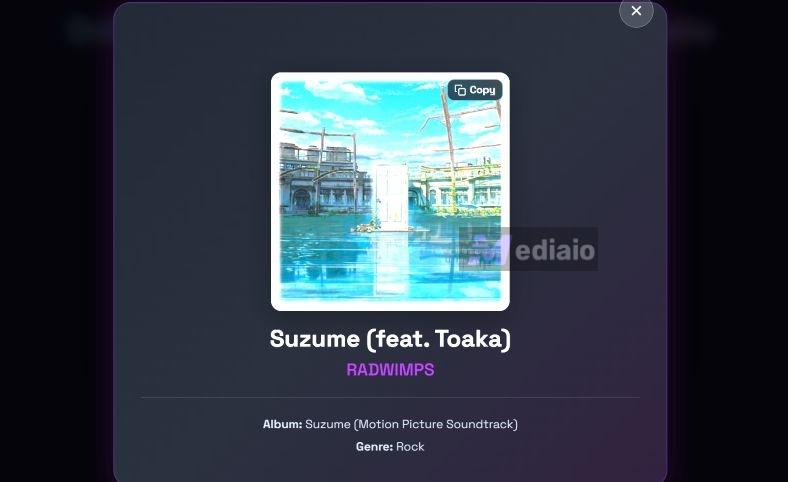
Step 2. Wait for the tool to identify the background music. After recognition, Songfinder.gg will show a song card on the screen with the track name and artist.
Bonus: How to Get Background Music for YouTube
You cannot simply grab any catchy song you find on the internet and use it as a background track for your YouTube video or short. It will immediately trigger Content ID claims and can even demonetize your video.
You’ve to keep two in mind. First, the background music must be copyright-free or created by you. Second, it should match the type of video you are making. For instance:
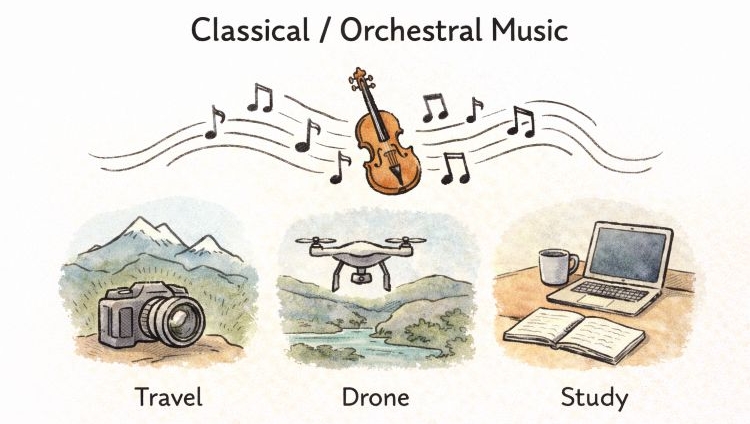
Dramatic intros, travel vlogs, documentaries, drone montages, or calm study videos:
Classical or orchestral music works beautifully here, especially for long-form content. And there are sites that give you easy access to public-domain tracks, here’s a curated list: 10 Sites to Get Copyright-Free Classical Music.
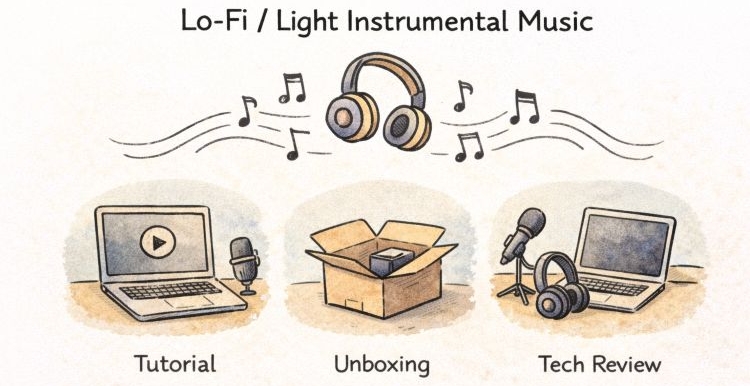
Tutorials, unboxing videos, and tech reviews:
Light instrumentals, subtle sounds, and lo-fi beats work best. The YouTube Audio Library is a good starting point.
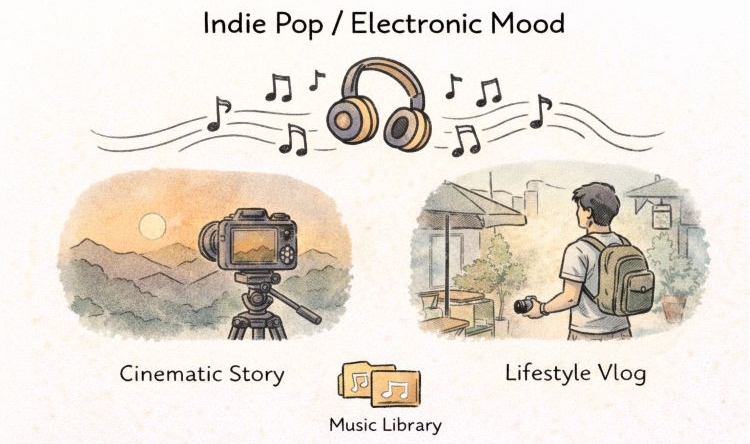
Cinematic storytelling or lifestyle vlogs:
Trendy indie pop or electronic tracks set the mood. Platforms like Epidemic Sound or Artlist are industry standards.
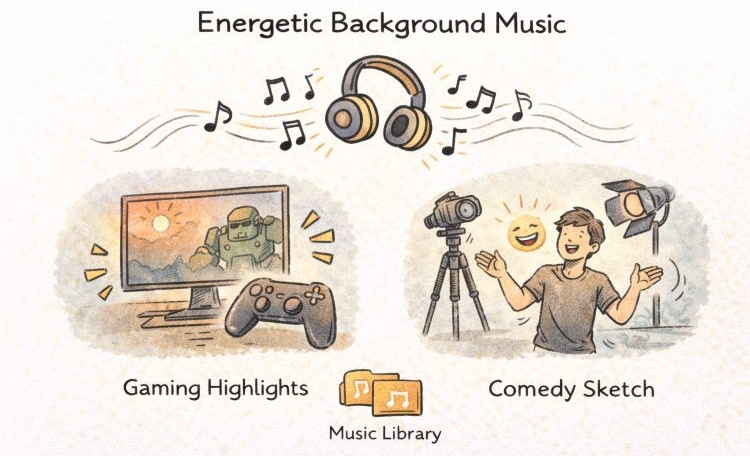
Gaming highlights or comedy sketches:
Use energetic royalty-free tracks like 8-Bit Music. Incompetech (created by Kevin MacLeod), Pixabay, Chosic, all offer thousands of essential tracks.
Final Words
So there you go — finding the background music in a YouTube Short is no longer a guessing game. You can simply choose the method depending on how the music appears in the Short. You can even combine these methods to improve the chances.
And once you’ve identified the song, you can save it locally using Mediaio Audio Converter. It lets you convert any music or playlists from platforms like YouTube Music, Spotify, Pandora, Deezer, etc., into MP3 files.