

In this guide, you will find 10 trusted copyright-free classical music sites. They allow you to download copyright-free classical music for YouTube and other commercial projects without worrying about strikes or revenue loss.
All the sites listed here are free to use and most do not even require you to create an account or share your email to download the music you want. Whether you are looking for solo piano, orchestral works, or full symphonies, you will find the sites that can help you find exactly what you need.
And if your goal is personal listening, we will also show you how to use Mediaio Audio Converter to save complete classical collections in a much easier way.
What Is Copyright-Free Classical Music?
When creators search for “copyright-free classical music for YouTube”, they usually mean a piece they can use in a YouTube video without facing copyright claims.
In other words, here “copyright-free” means you do not need to buy a license to use the music in your videos. Also, using them will not trigger Content ID claims or demonetize your videos.
Copyright-free classical music refers to classical music that is either in the:
- Public domain (CC0): free for everyone to use without giving attribution to anyone.
- Or released under Creative Commons (CC-BY) license: tracks do require simple attribution (a mention), but they are still safe for reuse.
FAQ: Is Mozart Copyright Free?
The answer is both yes and no.
Mozart died in 1791. So, yes, his original compositions are in the public domain. You can play “Turkish March” on your own piano, record it, and use that recording in your video without any legal concern.
The answer is no — when you download a “Best of Mozart” album performed by a professional orchestra and use that exact recording in your video. Such recordings can still be protected. Here, the composition of Mozart is public domain, but the performance is owned by the musicians or the record label.
So the rule is simple. The music written by Mozart is free. The recording of a modern musician performing Mozart may not be.
That is why copyright-free classical music sites matter. They provide recordings where the performer has waived rights (released the track under CC0 or CC-BY). So, you can use them safely on YouTube and other platforms, even for commercial purposes.
Where to Find and Download Copyright-Free Classical Music: 10 Free Sites
1. Classicals.de
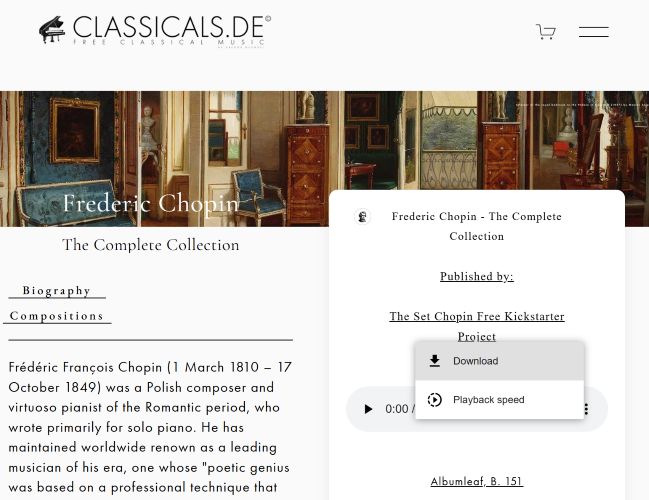
Classicals.de is a no-drama classical music site curated by people who clearly care about the music. For starters, its interface is minimal and clean. You choose a composer or a collection, pick the piece you want, and save it to your computer.
Commercial use is allowed, but there is one condition. You must provide attribution if you have not supported the project with a donation. If you donate, attribution is not required.
However, there are two limitations to keep in mind. You will not find sheet music PDFs alongside the recordings, so it is not ideal if you are downloading for practice. There is also no batch download option either. You must save each piece one by one, even if you are collecting a full symphony or an entire composer’s catalog.
Still, the real winner here is the simplicity. The site is refreshingly easy to use.
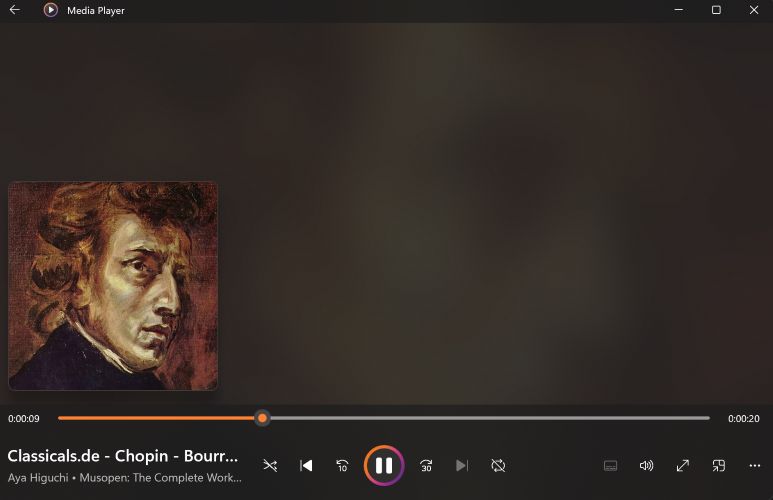
Files include composer name, full work title, movement details, and often cover art. Metadata carries a “Classicals.de” watermark.
Save Classical Pieces as MP3 from Classicals.de
- Open the site.
- Choose Composers, Music, or Collections from the top menu.
- Locate the piece you want.
- Click on the three-dot menu next to the title.
- Choose Download to save it.
2. Pixabay
It almost feels unfair to place Pixabay next to Classicals.de (a deeply curated classical archive). Yet when it comes to free classical music, Pixabay’s digital marketplace can genuinely surprise you.
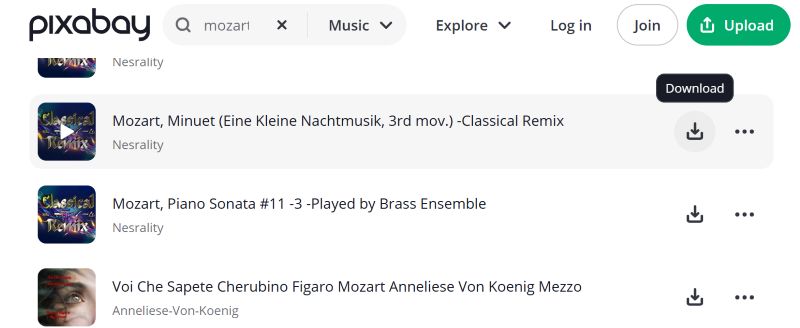
The platform hosts over 220K music tracks. Not all of them are classical, but once you start searching, you will find plenty of familiar names. The biggest strength here is ease. When you find something you like, just press download and it lands on your computer.
What you do not get is depth. This is not a scholarly archive like Classicals.de. You will not consistently see movement numbers, original keys, or detailed work structures. Sometimes you get only the piece name and the uploader’s title. And if you want a complete composer collection, you will have to search manually and gather pieces one by one.
Still, for quick access and instant downloads, Pixabay works surprisingly well.
Metadata depends on the uploader. Basic titles are common while cover art is often absent.
Download Classical Tracks from Pixabay
- Visit pixabay.com/music and use the search bar to type a composer or piece name.
- Browse the results and preview if needed.
- Press Download next to the track you want. That’s it. The file saves directly to your device, ready to use.
3. Free Stock Music
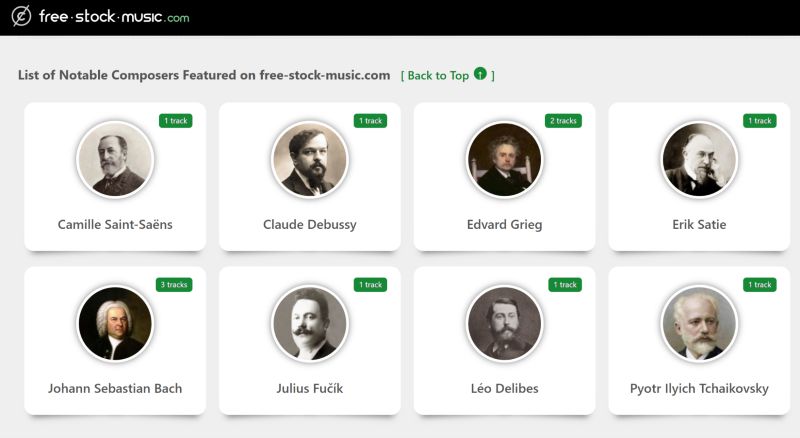
When it comes to Free Stock Music, this site keeps things simple and practical. The classical section is not massive. You will not find full Mozart or Vivaldi collections.
However, you do see names like Bach and Tchaikovsky. Overall, this is not an archive for classical purists. It is built mainly for creators who need background music for YouTube videos, blogs, short films, or memes.
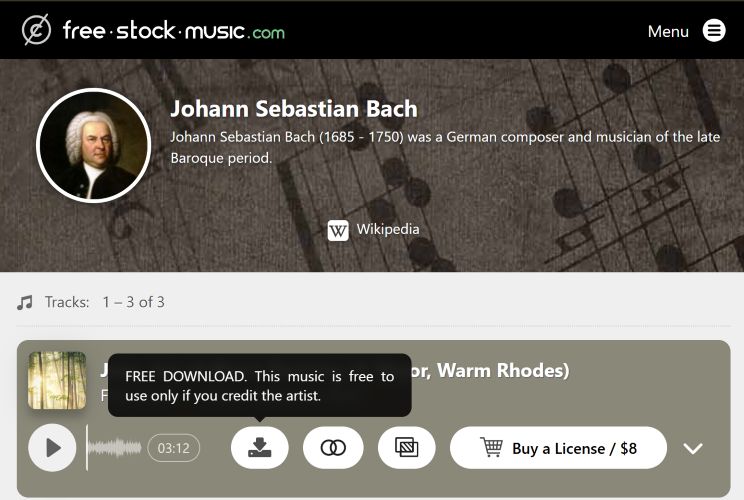
The name “Free Stock Music” already tells you the direction. Most tracks are free to use with attribution. Or you can purchase a license if you do not want to credit the artist (priced between US$9 and US$20).
The platform also leans toward modern producers recreating classical moods. You can browse by genre, instrument, or usage type.
Basic tagging. No detailed classical metadata, such as movements or key signatures.
Download Classical Songs from Free Stock Music
- Visit free-stock-music.com and browse the classical section.
- Select a composer or scroll through the available tracks.
- Open the piece you want. Then, press Download next to the track. You will find the file in the Downloads folder of your computer.
4. Musopen
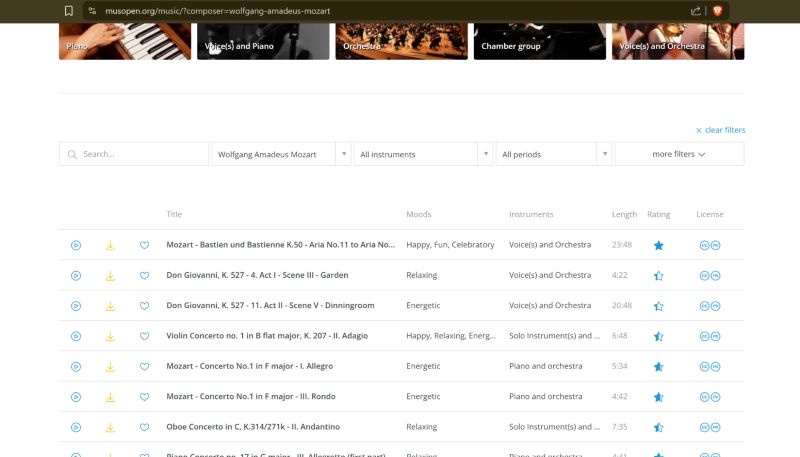
Now this is the site that truly impresses. Musopen feels complete, as almost every major composer is here. Moreover, pieces are properly organized and labeled. The recordings are high quality. Plus, you will also get access to sheet music—perfect if you want to download the tracks for practicing.
Another strong point is clarity around licensing. Some recordings are fully public domain. Others come with specific usage notes. You can always check attribution details before using a track in your project. That transparency matters when you are looking for copyright-free classical music for YouTube or other platforms.
You do need an account to download. The only real limitation is on the free tier. Five downloads per day and standard audio can feel restrictive if you are building a large collection. A paid membership of US$55 per year will unlock unlimited downloads and higher-quality audio formats.
Members: access to lossless formats.
Properly tagged with composer, movement, key, and detailed work titles. No consistent cover art, but metadata is accurate.
Browse by composer, instrument, mood, or category.
Save Classical Music from Musopen
- Visit musopen.org. Sign in to your account.
- Search for a composer or you can browse by instrument or category.
- Access the wanted piece.
- Select Download next to the recording.
The file is saved directly to your device.
5. Internet Archive
Internet Archive needs no introduction. It is one of the largest public digital libraries in the world and includes a large collection of classical pieces as well.
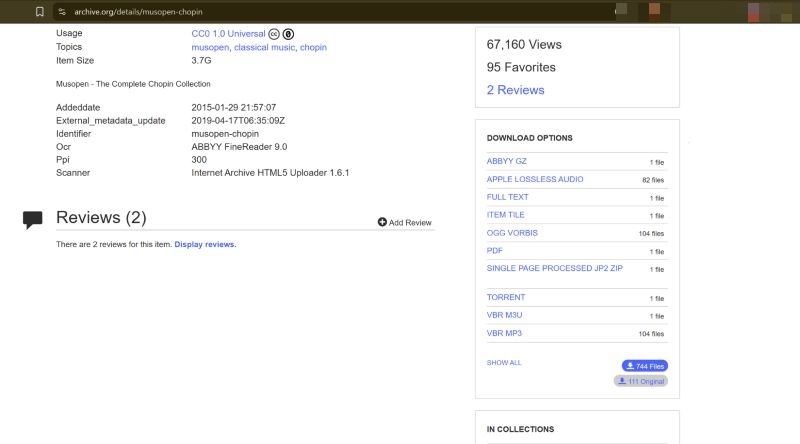
The real advantage is that Internet Archive allows batch downloads. You can grab a full Chopin collection, an opera archive, or a curated recording set in one go. Of course, you still need to search manually. Type the composer name or a specific collection title, and then dig into the results.
Licensing requires attention. Many uploads on the site are meant only for personal use. Some collections do have Creative Commons licenses, but responsibility for usage remains with you.
Many files are properly tagged, but consistency depends on the uploader.
Get Classical Music from Internet Archive
- Search for the composer or collection name on archive.org.
- Open the collection page you want.
- Scroll to the Download Options panel and choose your preferred format.
- For batch downloads, select SHOW ALL or use the TORRENT option.
6. Classic Cat
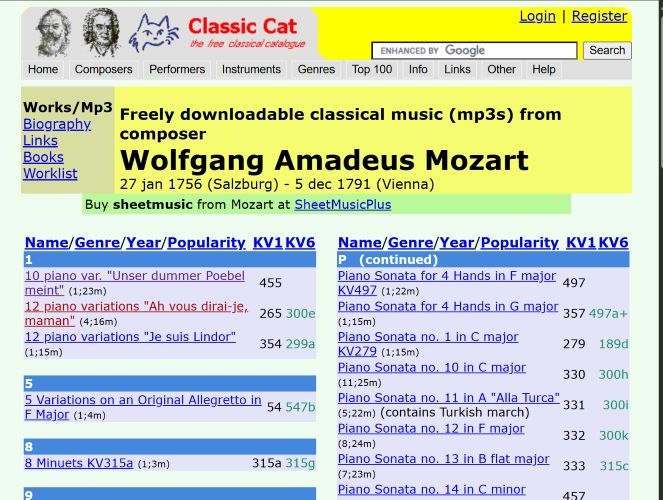
Classic Cat feels like the Google of free classical music. It does not host any files on its own. Instead, it scans the web and links you to thousands of free recordings across platforms, such as Internet Archive, Musopen, and other public collections we have already covered.
At first glance, the interface will look chaotic. Yet the structure is surprisingly clean. The homepage highlights the top 100 composers. The top menu lets you browse by composers, performers, instruments, and genres. Click any composer and you will find all the works by them in one place. Each piece links out to the site where the recording is actually hosted. So the quality depends entirely on the source site. Some recordings are well tagged with composer, movement, and cover art. Others are bare MP3 files with minimal metadata.
Save Classical Music via Classic Cat
- Visit Classic Cat and choose a composer from the homepage or the Composers menu.
- Select the piece you want from the listed works.
- Allow the site to redirect you to the external hosting page. Scroll down on that page until you locate the player or download section.
- Use the available download option provided by the source site.
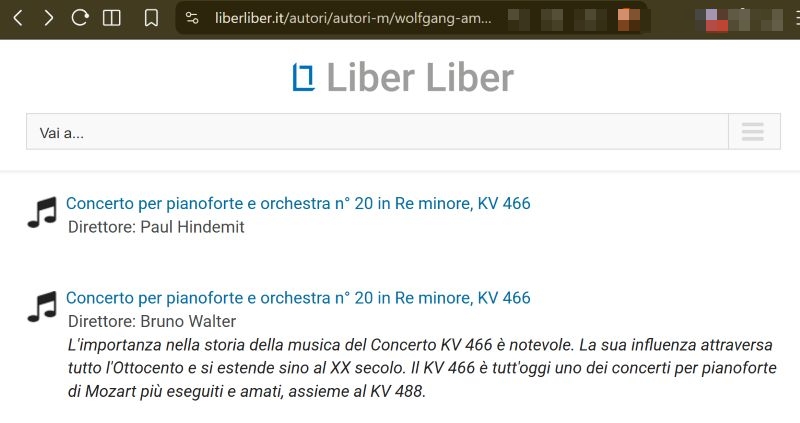
The process will feel indirect, but the advantage is depth. You are not limited to one archive. You are searching across many at once.
7. Chosic
Chosic is popular for its playlist generator, genre finder, and Spotify stats tools. What many users overlook is its free music download section. Chosic offers a large collection of classical-style tracks along with sound effects, though this is not an academic archive. You will not see detailed opus numbers, key signatures, or movement breakdowns on every result.
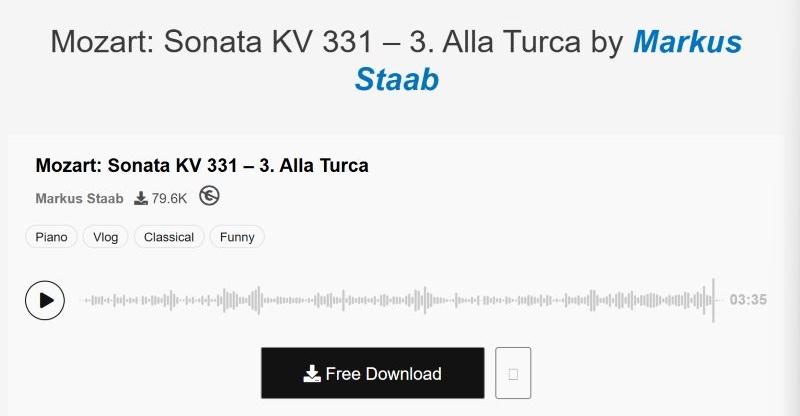
Instead, everything is organized by mood and vibe. You will find labels, such as dark classical, happy classical, epic orchestral, cinematic piano, and similar tags. Still, you can search for famous names, like Mozart.
The classical pieces you’ll find here are good if you’re creating a vlog, documentary, cartoon, news segment, or background score for a project, not for archiving.
Metadata often included but inconsistent. Files include “Chosic” watermark branding.
Get Free Classical Music from Chosic
- Visit Chosic’s Free Music section.
- Use the search bar to type a composer name, like Mozart. Or browse by mood and genre.
- Refine results using filters, such as piano, orchestral, and classical.
- Select a track. This will open its preview page.
- Press the Free Download button. The piece will be saved in MP3 on your computer.
8. YourClassical.org
Your Classical is primarily a radio and streaming platform. It is powered by Minnesota Public Radio (MPR). Most people visit it to listen live. What many miss is the Daily Download section.
Every day, the site features one specific piece of music — a single highlighted work. These are not random uploads. They are professional recordings from major labels or carefully captured live performances. So the audio quality is consistently strong.
Yes, the download is free (no login required too). But that does not automatically make it public domain. These tracks are meant for personal listening. Always verify the license from your end before using it in a YouTube video or any commercial project.
One featured work per day.
Get Daily Download from YourClassical
- Visit YourClassical.org.
- Scroll on the homepage until you reach the Daily Download section.
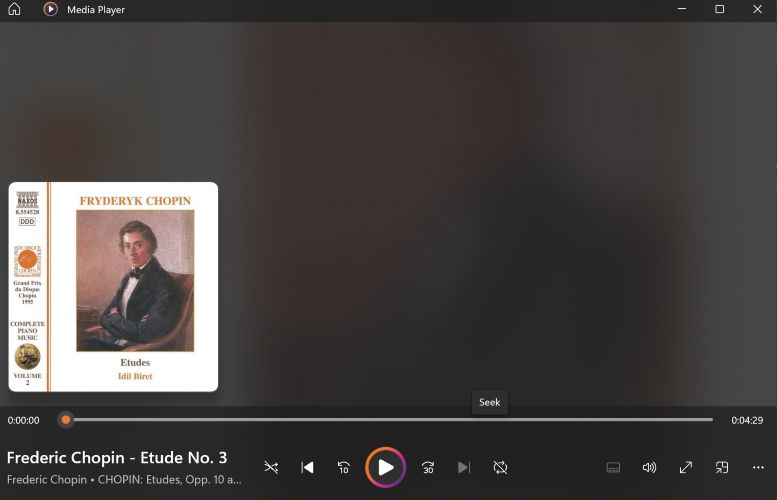
- Select the featured piece, press the Download button and confirm the download.
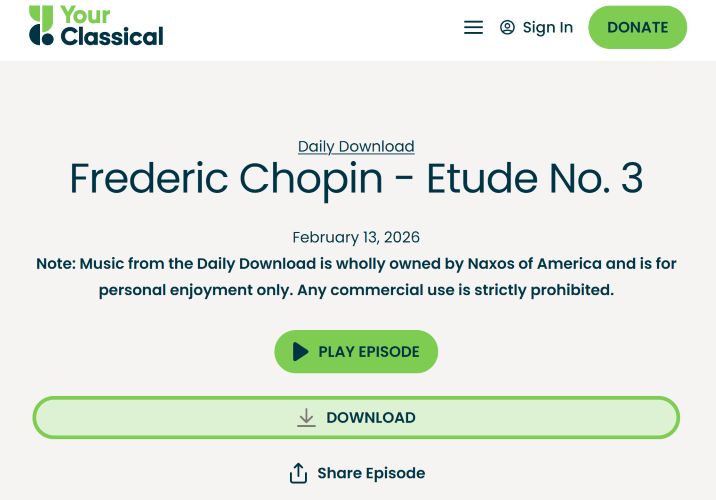
The file will be saved to your device.
9. Openverse.org
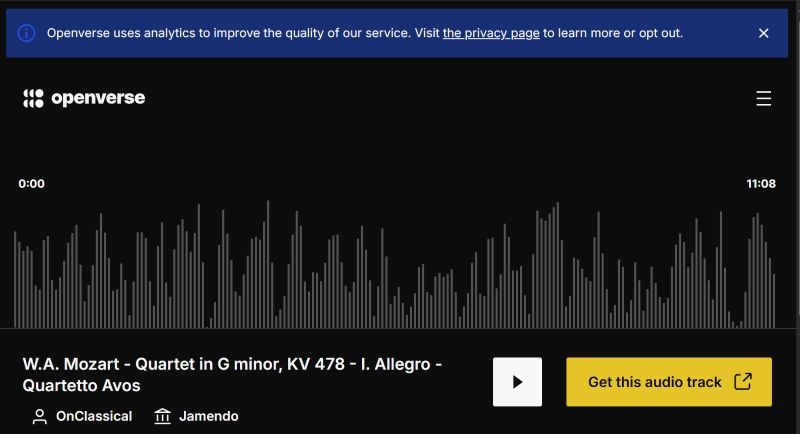
Openverse, formerly Creative Commons Search, is part of WordPress.org. It works as a search engine for safe-to-use media. Like Classic Cat, it does not host any files itself. Instead, Openverse aggregates more than 700 million creative works from platforms like Jamendo, Wikimedia Commons, and FreeSound.
This makes it a strong safety net when you want to avoid copyright strikes. Before you even browse results, you can filter by license type. You can limit the search to works that allow commercial use or filter for pieces that require no attribution.
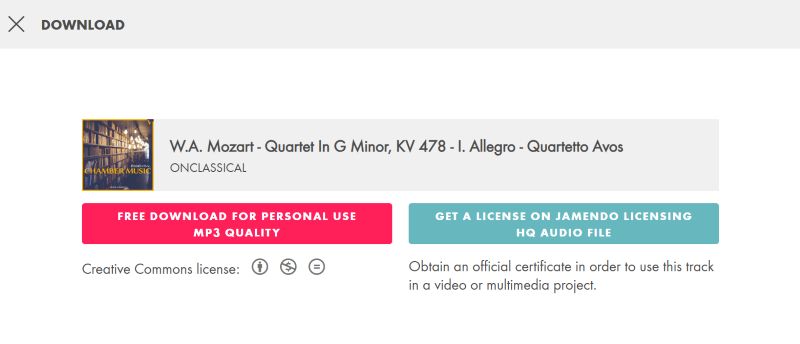
The only catch is that downloads happen on the source website. If a result redirects you to Jamendo, for example, you will need to create an account before downloading. Some sources do allow direct downloads. The license terms are usually displayed clearly on the Openverse page itself.
Use Openverse to Get Classical Pieces
- Visit Openverse.org and type the composer name or style in the search bar.
- Use the license filters to select commercial use, no attribution, or adaptation rights as needed.
- Click on any result that fits your requirement.
- Select Get this audio track to open the source page.
- On the source site, press the Download button.
10. Freesound.org
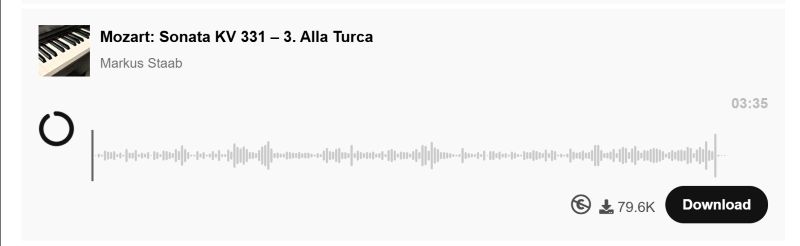
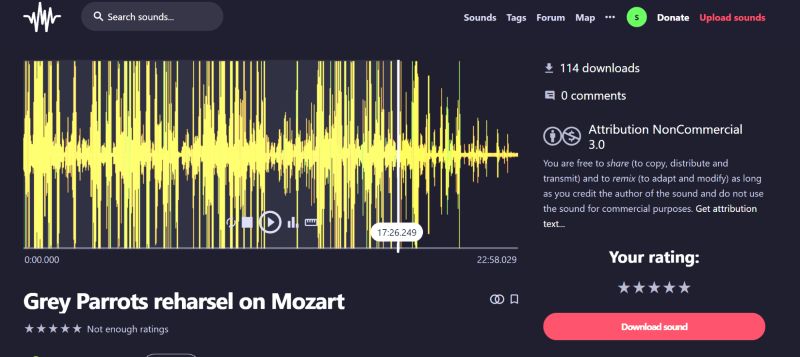
Freesound is a little different from all the other sites on this list. It is not an academic archive or curated catalogue, like classicals.de. Instead, it is a free audio platform managed and run entirely by its community.
At its core, Freesound is a collaborative database of Creative Commons–licensed sounds. You can search by composer, file name, collection name, or anything else, and you will land up with results. The filters and tags are the real tools that will help you shorten the results and get exactly the kind of sound you want.
Since these are user uploads, sometimes you will get 22-second clips recorded at home. And sometimes you will get 22 hours of full, high-quality recordings that are suitable for listening in your home studio.
Metadata and tags vary by uploaders.
Download Classical Music from Freesound
- Visit Freesound.org. Use the search bar to type a composer name or piece name.
- Apply license filters if you need commercial use or no attribution.
- Click any result to open its detail page.
- Review the license information and tags.
- Select Download sound to save the file to your device.
The key here is to check the license on each upload. Once that is clear, the download process is straightforward.
Where and How to Download Classical Music as MP3
The sites listed above are excellent when you are hunting down Creative Commons tracks for a YouTube video or a blog project. For personal listening, though, they are tiring to use. Downloads on these sites happen one by one. And batch saving is rarely an option.
For your own music library, it makes more sense to go download them from the major music services: YouTube Music, Spotify, Apple Music, Pandora, and others. These sites have full collections, complete symphonies, live performances from nearly every major composer and performer. The only limitation is that you cannot extract those tracks as MP3, M4A, FLAC, or WAV files. The music stays locked inside the app.
That is where Mediaio Audio Converter steps in.
Mediaio is an all-in-one audio converter with built-in support for popular music services. You can choose any platform, find the composer or collection, and download the works you want in one sweep. Batch downloads are supported, so entire albums or multi-movement pieces can be saved together. All the original ID3 tags remain intact. So, the piece names, key signatures, performer details, and cover art are preserved exactly as shown on Spotify or Apple Music. Also, the files are automatically organized on your computer, so, you will save a lot of time.
Mediaio downloaded files are saved in open formats like MP3. So, you can move the files and play anywhere. For example, you can play Spotify on an MP3 player that doesn’t support the Spotify installation.
Final Words
These are some of the best places to find copyright-free classical music for your YouTube videos and other creative projects. Some tracks require simple attribution. Many are completely free to use.
And when it comes to personal listening, Mediaio Audio Converter route is simply cleaner and easier. You get full classical collections in MP3, FLAC, WAV, and other open formats. You can move them to a USB drive for your car or play them on any music player you prefer without internet or subscriptions.