

There’s something about background jazz that just works, while studying, cooking, reading, or simply sitting with your thoughts. So if you’re wondering how to download background jazz music without fuss, this guide shows you the ways.
We cover multiple ways. If you want high-resolution tracks with immersive listening, you’ll find those options. If you need actual MP3 or WAV files for editing, including royalty-free sources, those are included too. And if you want to create something of your own, modern AI tools, like Mediaio are part of the list too. However, this is not just a listicle. You will also find clear steps to use the ways and download background jazz music in minutes.

How to Download Background Jazz Music for Relaxing via Streaming Music Services
When you’re considering streaming services, “download” doesn’t mean you get standard music files you can move around. It simply means saving tracks inside the app, so you can listen offline. The music stays tied to your account and the platform, whether you download on your phone, tablet, or desktop.
You’ll need an active subscription to download in the first place, but even after that, there are limitations. To sum it up more cleanly, here’s what to expect when using streaming services:
Way 1. Download via Spotify
Spotify is the easiest place to explore background jazz. Its library boasts well over 100 million tracks. So you can literally find any flavor of jazz you need to relax, whether you want full classic albums from legends, like Miles Davis or John Coltrane, modern instrumental acoustic covers, or endless hours of lo-fi jazz beats.
Some gold-standard albums to start with:
- Kind of Blue — Miles Davis
- Time Out — Dave Brubeck Quartet
- Blue Train — John Coltrane
- Moanin' — Art Blakey & The Jazz Messengers
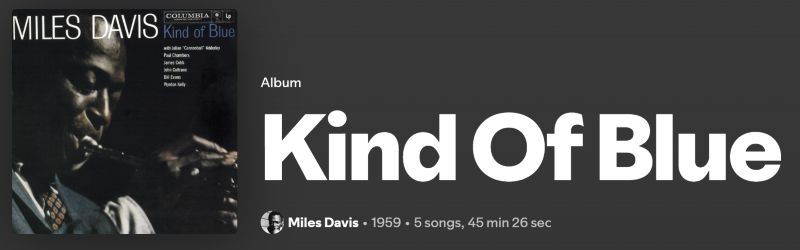
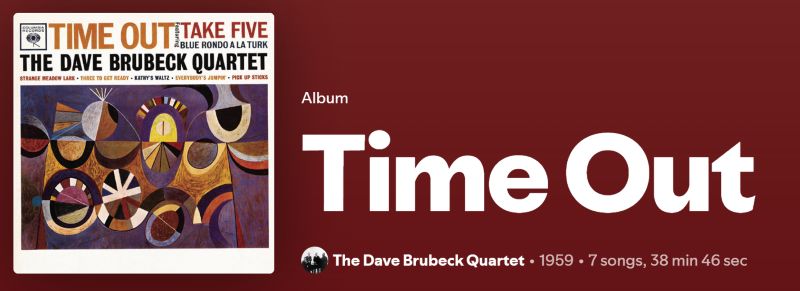
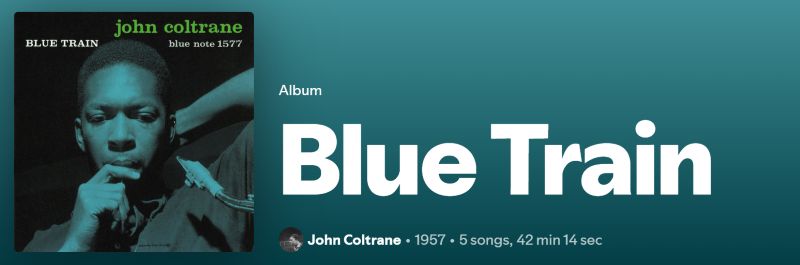
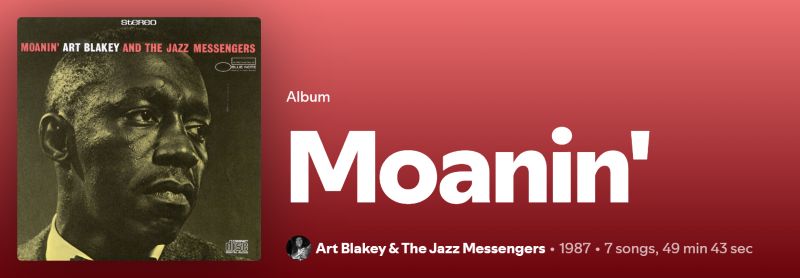
You’ll also find readymade playlists like: Coffee Table Jazz, study jazz collections, and chill lo-fi jazz mixes. These are created by dedicated creators and Spotify users.
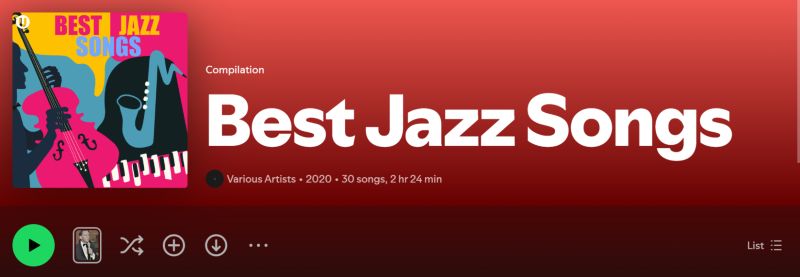
Spotify even offers high-quality audio. So, your downloads will sound very clean — up to 24-bit/44.1 kHz FLAC. Higher quality will also take more storage space. So keep that in mind if you’re saving large jazz collections.
Steps to Save Background Jazz Music in Spotify
Step 1. Go to the jazz album or playlist page.
Step 2. Click the Download button.
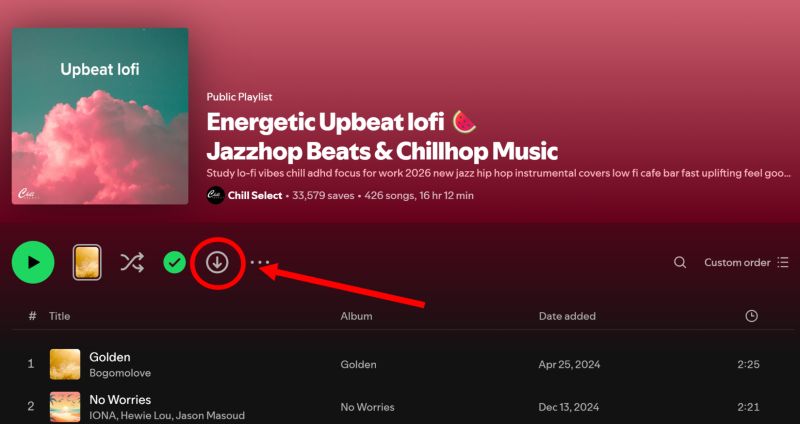
Step 3. Wait while tracks download one by one.
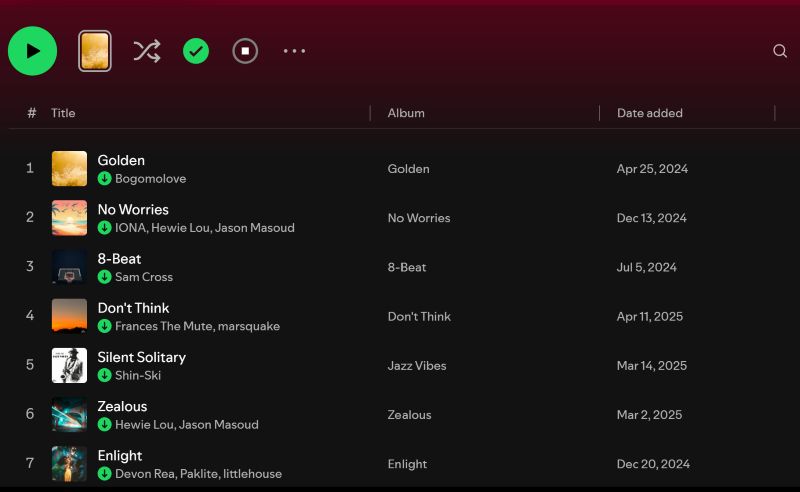
Way 2. Download via Apple Music
Apple Music is another high-end listening lounge for jazz. It leans heavily into studio-grade audio. Like Spotify, Apple Music also lets you download in lossless quality at 24-bit/48 kHz. Plus, there’s even a higher setting — Hi-Res Lossless (24-bit /192 kHz). Apple Music supports Dolby Atmos. So with good headphones, it will feel like the band is playing around you.
The library is massive, too. You’ll find everything: old jazz albums, modern releases, and curated playlists.
Notable Jazz Picks to Download:
- Getz/Gilberto — Stan Getz & João Gilberto
- Ballads — John Coltrane Quartet
- Night Sessions — Chris Botti
- Smooth Jazz Essentials — playlist
- Relaxing Jazz — Apple Music editorial playlist
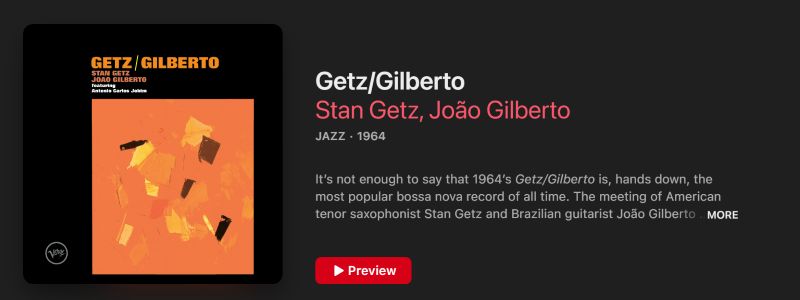
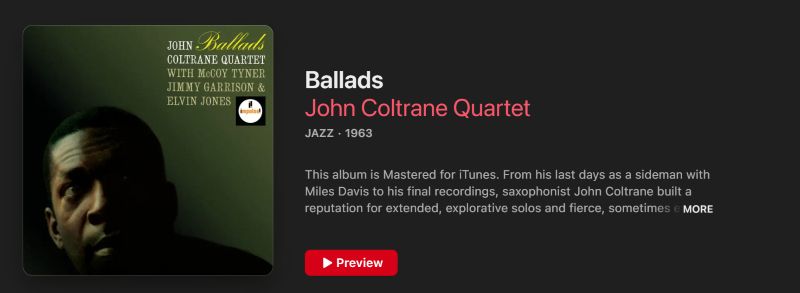

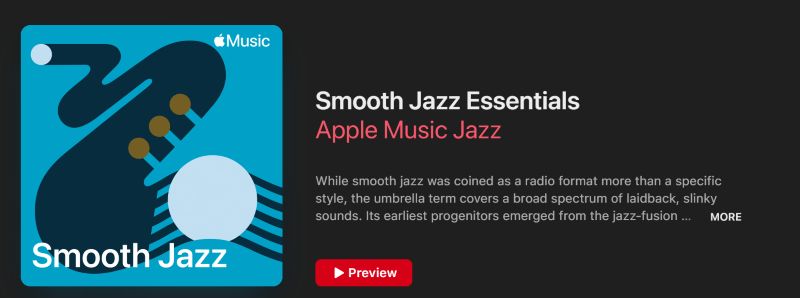
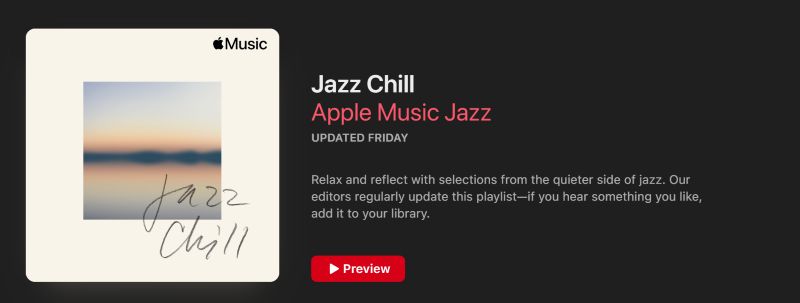
You’ll also see deep catalog recommendations, mood stations, and curated playlists.
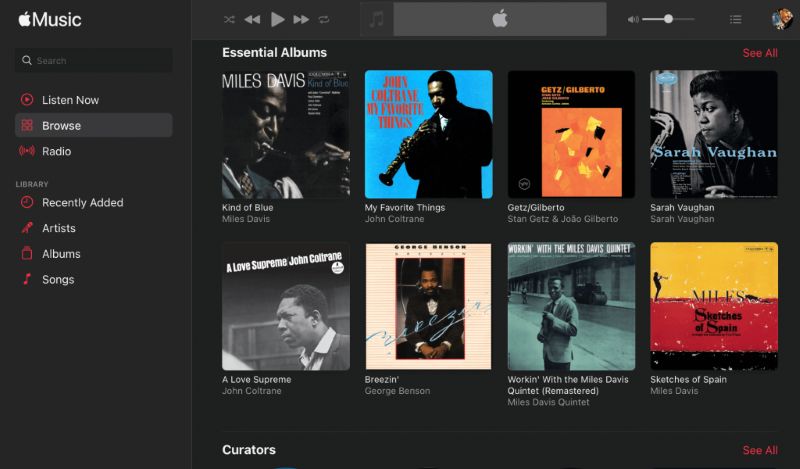
Steps to Download Background Jazz Music from Apple Music
Step 1. Find the jazz track, album, or playlist.
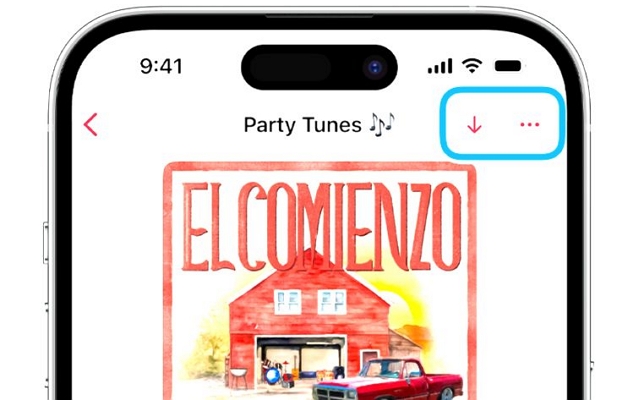
Step 2. Tap the + (Add) button on an album or playlist page. Or tap the three dots next to single tracks and then tap Add.
Step 3. After adding the playlist or album, tap the Download icon at the top.
After adding a song: tap the More button (three dots), then tap Download. A small progress indicator will show while files are saving.
That’s it! You can listen to the downloads anytime.
How to Download Background Jazz Music Through Online Sites
There’s also another route — downloading from dedicated stock music websites. The biggest advantage here is simple. You get actual audio files. Real MP3s or similar formats that you can move anywhere — a USB drive, an old MP3 player, your phone, or straight into your video editor.
Many of these platforms also offer royalty-free. That means you can often use the music in videos or commercial projects without worrying. However, they are not perfect. The convenience of streaming is gone and you’ll notice a few trade-offs along the way. To make it clearer, here’s what to expect:
If that trade-off sounds fine, let’s look at the sites that make this possible.
Option 1. Pixabay
✨Highlights: 100% royalty-free | Direct MP3 downloads | No account required

Pixabay is widely known for stock photos, but its music library is surprisingly useful, too. The platform lists thousands of jazz tracks — many contributed by independent creators who release them for free use.
Compared to streaming platforms, the collection is obviously smaller. What you get here is usable audio you can download and keep. The downside shows up quickly. Organization isn’t perfect. You’ll need to search, preview, and pick tracks yourself. There’s no bulk download, and most files come as individual MP3s.
Quality can vary. Some uploads sound polished, others feel more basic. Tagging is inconsistent too, so filenames could look messy.
Steps to Download Music from Pixabay
Step 1. Head to Pixabay, search for jazz and use the filters at the top to narrow things down.
Step 2. Preview a track to make sure it fits. When ready, press the Download button next to it.
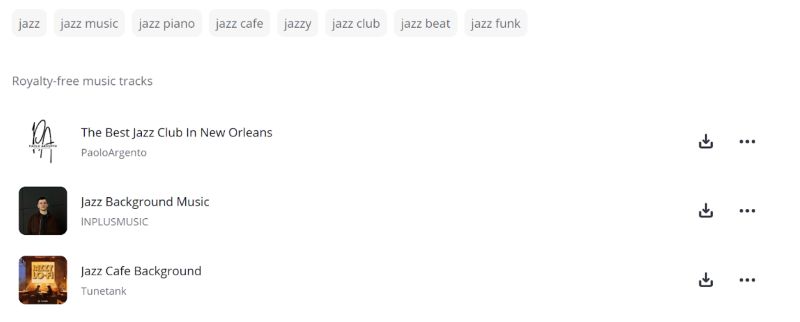
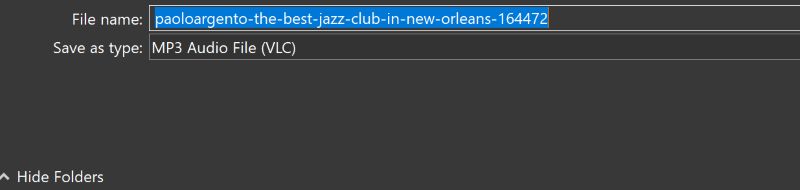
Step 3. The file saves as an MP3. Expect simple filenames — you will have to rename or organize them.
Option 2. Citizen DJ (Library of Congress)
✨Highlights: Authentic public-domain historical recordings | Built-in browser remix tools

Citizen DJ is an initiative by the U.S. Library of Congress. So instead of modern stock music, you’ll find real historical recordings. Yes, the “LOC Jukebox Jazz” collection even features jazz from the early 1900s — recordings now in the public domain. That means you can use them freely.
What makes it interesting is how the audio is presented. You’re not just downloading neat, polished songs. The platform breaks recordings into small pieces — a trumpet phrase, a piano run, a short rhythm section, even surface noise from old records. Because of this, it’s especially useful if you want to build something of your own — relaxing lo-fi backgrounds, vintage textures, documentary sound beds, or experimental edits using real historical material.
Another nice thing is that bulk downloads are available. You can grab packs in WAV or MP3. Full recordings are also there if you want to listen or extract longer sections. Tagging isn’t perfect, so you will have to organize things yourself.
Steps to Download Background Jazz from Citizen DJ
Step 1. Visit the Citizen DJ Jukebox Jazz page using this link: https://citizen-dj.labs.loc.gov/loc-jukebox-jazz/use/.
Step 2. You’ll land on an interactive dashboard and see tiles or snippets representing different recordings. Simply preview them right there.
Step 3. When something catches your ear, choose Download.
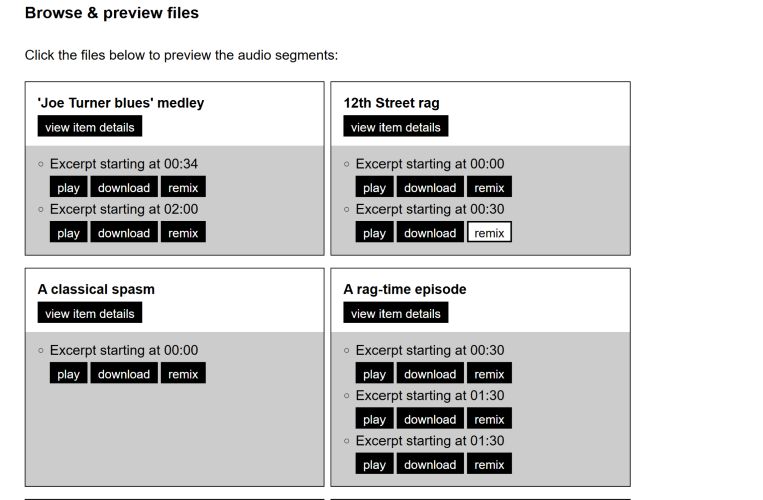
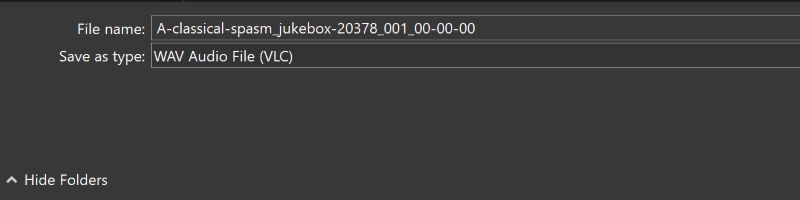
Step 4. A new tab will open with the file. Hit Download again to save it. Files will come as WAV or MP3.
Option 3. Fesliyan Studios
✨Highlights: In-house produced original tracks | Dedicated jazz categories (50s Jazz, 60s Jazz, Film Noir Jazz) | Many tracks usable commercially with proper licensing or donation.

Fesliyan Studios is a small and independent royalty-free music library. Most of the music is produced in-house by David Fesliyan and his team. The site feels simple, almost old school, but it’s practical.
You can download tracks without signing in. One important thing though: you can use tracks freely for personal or non-monetized projects. But for monetized work, like YouTube with ads, you will need to donate.
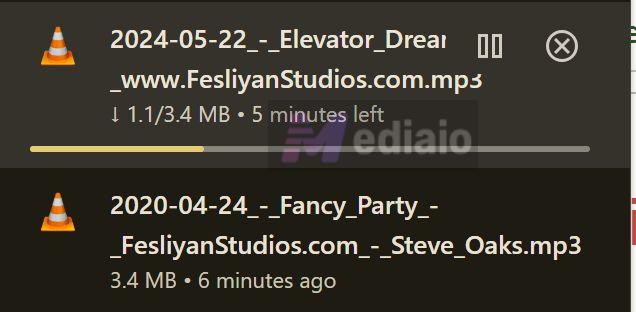
Downloads are straightforward, but a bit slow. ID3 tags include watermark, like the site name or creator credit.
Steps to Download from Fesliyan Studios
Step 1. Go to the Fesliyan Studios website. Open Genres, then choose Jazz.
Step 2. Scroll through the list. Preview tracks if needed. You’ll see categories and individual songs.
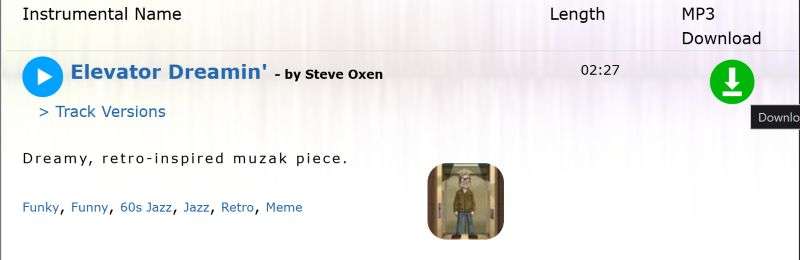
Step 3. Click the green Download button next to the track. The file will start downloading.
Option 4. Viral Noise
✨Highlights: Broadcast-quality premium royalty-free jazz music | Risk-free 14-day trial.

Viral Noise sits on the premium side. It’s a royalty-free library built for editors, agencies, YouTubers, and production teams.
The catalog runs deep — over 70,000 tracks and many have been used across TV, movies, and sitcoms. So if you need background jazz that feels clean and “finished,” this is where it shines.
One feature that stands out on ViralNoise is its Similar search AI. If you hear a relaxing jazz track somewhere, say on YouTube, but can’t legally use it, you can paste the link into Viral Noise. The system will scan its library and suggest close royalty-free matches.
Now the trade-off — it isn’t free. The individual plan starts around US$8.99/month for personal use. Freelancers who need commercial rights usually go for the higher tier (around US$18.99/month). Small teams or companies have larger plans.
Steps to Use Viral Noise
Step 1. Create a new Viral Noise account. Start the 14-day trial.
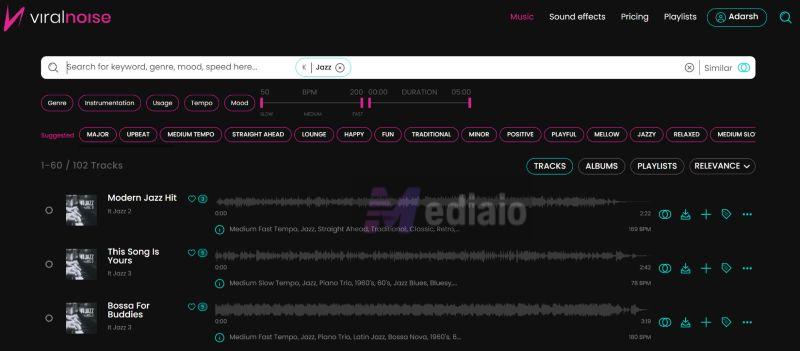
Step 2. Search for jazz using keywords, filters, or the Similar search feature.
Step 3. Preview tracks. When you find one you like, click Download next to it.
Step 4. The file is saved as an MP3. You can use it according to your subscription license.
Note: Tracks will remain licensed only while your subscription is active. You can keep existing published projects, but you can’t use the old downloaded music in new ones after cancellation.
How to Create and Download Background Jazz Music with AI
Of course, there’s also a newer frontier to explore: artificial intelligence.
Instead of searching libraries, you can simply describe the kind of jazz you want with length, mood, instruments or even the setting and dedicated AI music tools, like Mediaio will compose something that fits. The biggest advantage is flexibility. The track can match your exact vibe. Another upside is licensing. Mediaio allow commercial use without extra paperwork, since the music is generated uniquely from your prompt. You’re essentially creating your own background jazz on demand.
That said, AI isn’t perfect. Here’s a simple pros and cons table that explains everything:
Here, you don’t really need to compare multiple tools. You can use the most reliable option — Mediaio AI Music Generator, because it balances simplicity with strong results.
Mediaio has been trained across classic jazz traditions to modern lounge and lo-fi textures. That’s why it understands prompts naturally, whether you need a smoky late-night piano trio or a soft study background groove. Using it is also straightforward. You describe what you want, adjust a few settings, and the system will compose a ready-to-use track. You can set duration, generate variations, and download immediately.
Steps to Create and Download Jazz with Mediaio
Step 1. Head to the Mediaio website. Open the AI Music Generator.
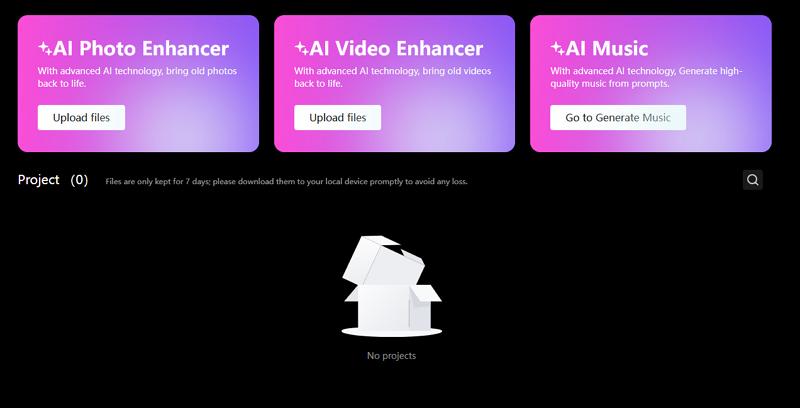
Step 2. Describe the jazz you want. For example, a prompt like:
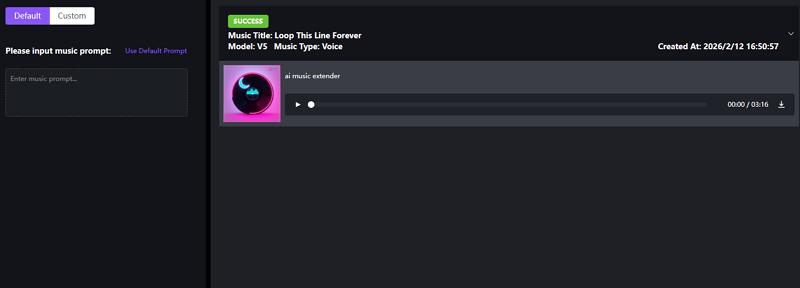
“A relaxing slow-tempo lo-fi jazz track for studying with soft piano.”
Step 3. Choose the duration and apply mood or genre settings that fit your project.
Step 4. Click Generate. Preview the result and download it as MP3.
Final Words
So there you go! Now you know how to download perfect background jazz music, whether it is for studying, setting the mood for a project, or simply letting something soft play while you relax. We have explored multiple methods. The best method for you will depend on your needs.
- For everyday listening: Spotify and Apple Music are best. The only downside is the subscription.
- For quick project use: Citizen DJ, Fesliyan Studios, and Pixabay are great. If you want higher-end tracks, Viral Noise is also worth considering.
If you want to create a specific vibe, you can use Mediaio AI Music Generator. Just describe the mood and it will create royalty-free jazz music within minutes.