

When it comes to audio conversion, size matters—but not in the way most people expect.
While many tools handle short MP3s without issue, they often struggle with multi-gigabyte audio files. Long recordings, high-bitrate tracks, and lossless formats like FLAC or WAV introduce a very different set of challenges: sustained CPU load, memory pressure, silent corruption, and mid-process crashes.
This guide is not about effects, editing tricks, or one-click presets.
It focuses on which audio converters can reliably process large files from start to finish, preserve integrity, and deliver outputs you can actually trust.
Who This Guide Is NOT For
This guide intentionally does not try to serve everyone.
It may not be a good fit if you:
- Convert only short clips or ringtone-length files
- Prefer cloud-based or mobile-only converters
- Prioritize creative editing, mastering, or effects over conversion reliability
By narrowing the scope, this guide focuses on users who face real failure costs when large audio conversions go wrong.
What Makes Large Audio Files Hard to Convert Reliably?
Converting audio is not just changing file extensions. With large files, it becomes a resource-intensive, long-running process where small issues can lead to unusable results.
Memory and CPU Pressure During Long Sessions
Multi-hour recordings and high-resolution masters require sustained CPU usage and consistent memory access. Unlike short MP3s, these files can push systems into thermal throttling, memory exhaustion, or application freezes—especially when working with formats like FLAC or ALAC.
Increased Risk of Partial or Silent Output Corruption
Large files increase the surface area for failure. A brief disk write error or CPU spike can result in:
- Truncated outputs
- Missing audio segments
- Silent sections with no visible warning
Some converters finish “successfully” while producing corrupted audio that only fails during playback.
Format-Specific Challenges (WAV, FLAC, AIFF, High Sample Rates)
Lossless formats are large and sensitive. High sample rates (96kHz, 192kHz) and deep bit depths (24-bit, 32-bit float) further increase risk. Not all converters preserve metadata, channel layout, or original sample rates correctly—some downsample silently.
Why Browser-Based Tools Fail More Often
Online and lightweight tools are optimized for speed, not endurance. File size limits, browser memory caps, and network timeouts make them unreliable for large jobs. Even when they don’t crash, they often trade quality and error handling for speed.
Criteria That Actually Matter for Large File Audio Conversion
When files reach gigabyte scale, reliability outweighs features.
- Ability to complete long conversions without freezing
- Consistent output quality from start to finish
- Local (offline) processing
- Explicit control over codec, bitrate, and sample rate
- Safe testing before full conversion
How We Evaluate Stability for Large Audio Files
Rather than synthetic benchmarks, stability is judged by observable behavior:
- 2+ hour continuous conversion without interruption
- Tolerance to CPU spikes from background tasks
- Duration and file-length consistency between input and output
- Graceful failure behavior (clear errors, no silent corruption)
These indicators matter far more than headline “speed” claims.
A Real-World Failure: When a “Successful” Conversion Quietly Ruins a 3-Hour File
Not all conversion failures are obvious. One of the most damaging cases we encountered involved a 3-hour WAV recording (4.2GB) converted using a popular online audio converter.
On the surface, everything looked fine:
- The output file size appeared normal
- The reported duration matched the original
- No error messages were shown during conversion
The problem only surfaced during playback.
- The first 97 minutes played perfectly
- After that point, the remaining audio was completely silent
- No glitches, no warnings, no visible corruption indicators
To the converter, the job was “successful.” To the user, hours of recorded content were permanently lost.
This is what makes silent corruption far more dangerous than crashes or failed exports. When a tool fails loudly, you know immediately. When it fails silently, you often discover the damage after deleting the original file—when it’s too late. This is why stability, error transparency, and predictable behavior matter far more for large audio files than raw conversion speed or flashy features.
The worst part was not the silence itself, but realizing the original recording had already been deleted to save disk space.
Tools Commonly Used for Large Audio Conversion
Not all audio converters fail in obvious ways.
When working with multi-gigabyte files, the most dangerous problems are silent corruption, mid-process crashes, or subtle quality loss that only appears later.
For that reason, tools are grouped here by how they behave under sustained load, not by popularity or feature count.
Category Overview
A. Industrial-Grade & Prosumer Desktop Converters
These tools are built to finish the job, even when conversions run for hours.
1. FFmpeg — Industrial-Grade Command-Line Converter
Role: Maximum reliability at scale
Best for: Large batch jobs, automation, zero tolerance for failure
Why it matters for large files
FFmpeg processes audio streams sequentially with precise, explicit control over codecs, sample rates, and bit depth. Because it bypasses graphical interfaces entirely, it avoids UI-related freezes that commonly occur during long conversions.
Typical time cost
- Long FLAC → MP3 conversion: real-time to 1.5× real-time, depending on codec and CPU
- 100+ files overnight: common and expected usage
If stability matters more than speed, avoid aggressive multi-thread flags and stick to well-tested codec presets.
Ideal scenario: A sound engineer converting 100+ FLAC masters to MP3 overnight without supervision.
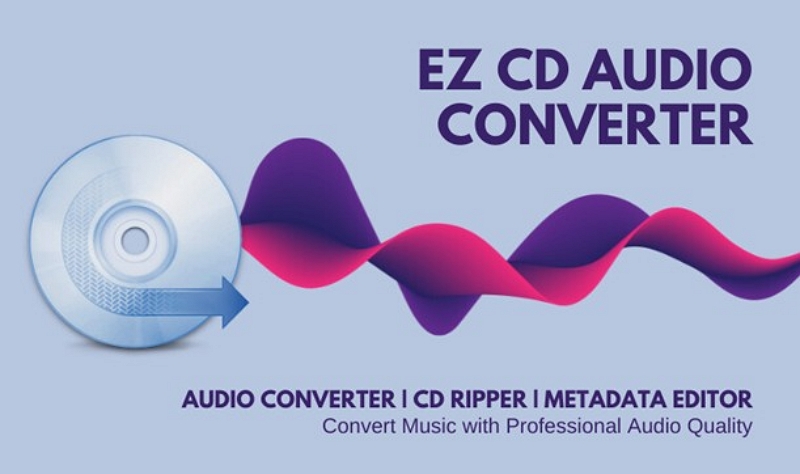
2. EZ CD Audio Converter (Poikosoft) — Metadata-Safe Prosumer Tool
Role: Archive-grade conversion with UI
Best for: Music libraries, CD archives, metadata-sensitive workflows
Why it matters for large files
EZ CD Audio Converter is built around format correctness and metadata integrity, which becomes critical when converting large lossless collections. Channel layout, tags, and sample rates are preserved reliably.
Typical time cost
- Single CD → FLAC: near real-time
- Large library conversion: slower than FFmpeg, but more controlled
Disable unnecessary DSP options during large batch jobs to minimize conversion overhead and reduce failure risk.
Ideal scenario: A music archivist converting hundreds of CDs into FLAC with consistent tagging.
3. MedVioo Audio Converter — Stable, Consumer-Grade Offline Converter
Role: Simple, local conversion for long recordings
Best for: Users who want predictability without configuration
What MedVioo does well
MedVioo Audio Converter runs fully offline, avoiding browser memory limits and network instability. For long podcasts or meeting recordings, its behavior is predictable and repeatable, which matters more than fine-grained codec control.
Typical time cost
- Multi-hour podcast → MP3: approximately real-time
- Minimal setup time before conversion
Use MedVioo when you want a conversion to finish reliably—not when you need perfect tagging or batch automation.
Ideal scenario: Switch over to 200 single-track music without interruption.
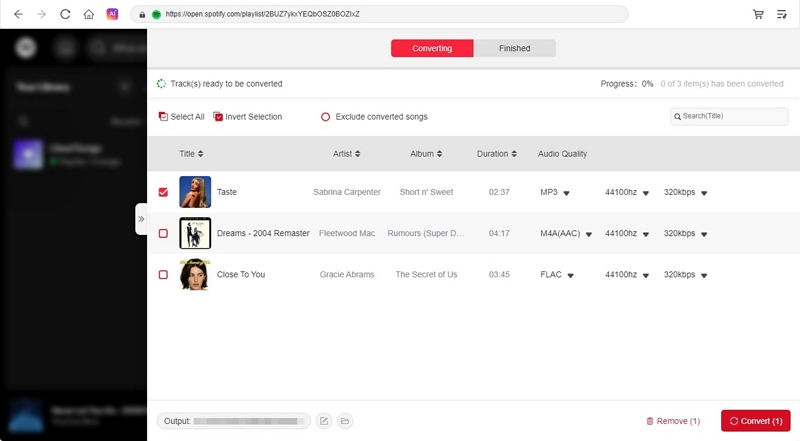
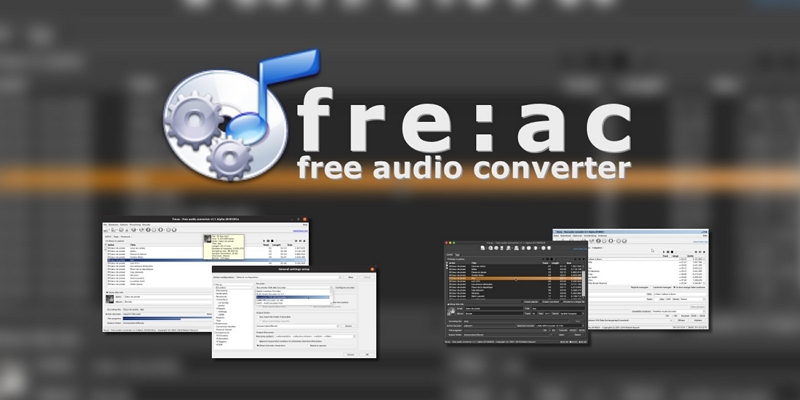
4. fre:ac — Open-Source Batch Converter
Role: Budget-friendly batch processing
Best for: Users who need batch conversion without paid software
Typical time cost
Batch WAV → AAC: generally faster than real-time on modern CPUs
Always spot-check metadata after large batch jobs, especially when working with mixed-format libraries.
Ideal scenario: A DJ converting large WAV sets into AAC for mobile use.
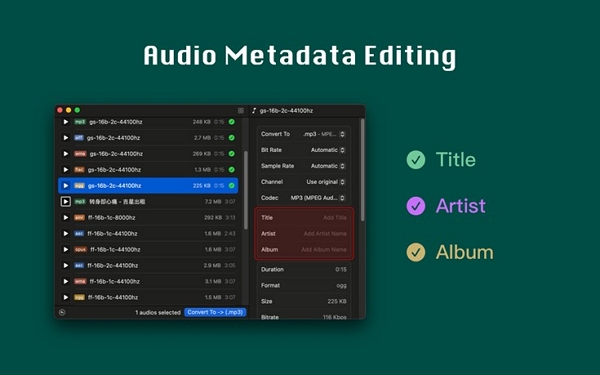
5. Audioer — Lightweight Offline Converter
Role: Minimal resource usage
Best for: Older or low-spec machines
Typical time cost
Long MP3 conversion: slower than modern converters, but stable
Audioer is best used when system stability matters more than speed or flexibility.
Ideal scenario: A student compressing long lecture recordings on an older laptop.
B. Workflow Hybrids (Useful, But Not Pure Converters)
These tools can convert audio, but conversion is not their primary purpose.
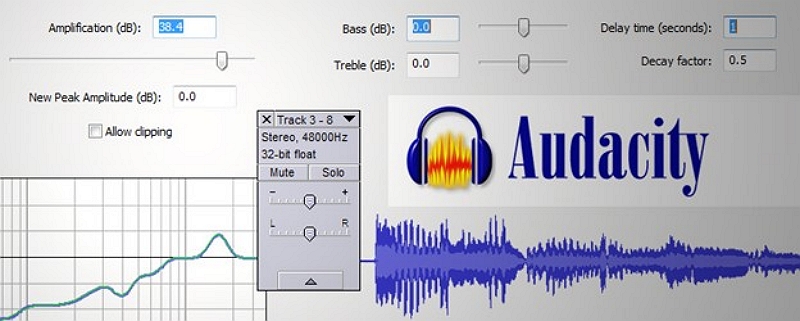
1. Audacity — Editor First, Converter Second
Audacity is excellent for editing, cleanup, and exporting long files.
However, it is not optimized for unattended bulk conversion.
Use it if: You need to edit, clean, and export a few long files.
Avoid it if: You’re converting dozens of large files without manual intervention.
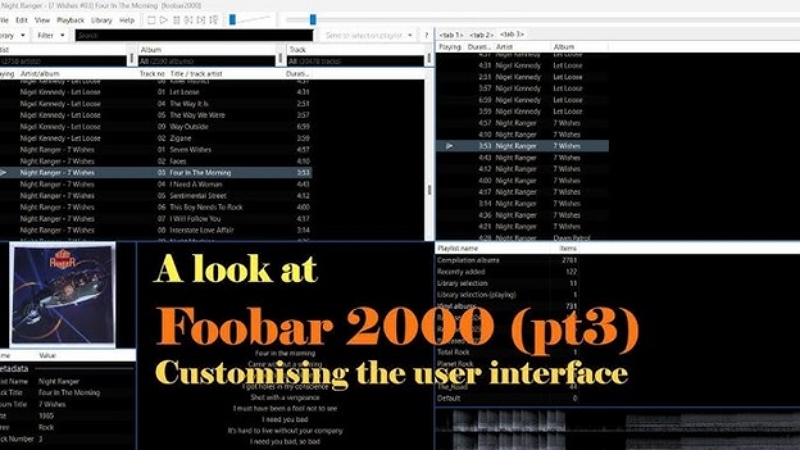
2. Foobar2000 — Library-Centric Converter
Foobar2000 shines when conversion is part of music library management.
Use it if: You already manage your library inside Foobar.
Avoid it if: You need standalone, high-confidence conversion workflows.
Quick Decision Table: Pick the Right Tool Fast
System Factors That Affect Long Audio Conversion Stability
Why Some Popular Converters Are Not Recommended for Large Files
Some widely used audio converters are excluded from this guide—not because they are “bad,” but because they are optimized for a different job.
Common limitations include:
- Browser memory caps that fail under sustained load
- Upload interruptions that cannot be resumed
- No way to verify output integrity
- Conversion processes that cannot be monitored or logged
For short clips, these tools may work perfectly. For multi-gigabyte audio files, the risk profile changes completely. This is not a judgment of quality, but of risk tolerance.
Why Failure Cost Matters With Large Audio Files
With multi-gigabyte audio, failure is not a minor inconvenience.
- Silent corruption → Files look valid but are unusable
- Mid-process crashes → Hours of wasted time
- Undetected resampling → Irreversible quality loss
That’s why stability—not feature count—should guide your choice.
How to Verify Large Audio Conversion Results (Before You Delete the Original)
When dealing with multi-gigabyte audio files, trusting a single “conversion complete” message is not enough. Before deleting the original file, always verify the output using the following checks.
1. Compare Exact Duration (Not Just Minutes)
- Check the duration down to the second
- A difference of even a few seconds can indicate truncated or missing audio
- Avoid rounding—many failures hide in partial endings
2. Confirm Sample Rate and Bit Depth
- Verify that the output preserves:
- Sample rate (e.g., 44.1kHz → 44.1kHz, not silently downsampled)
- Bit depth (16-bit, 24-bit, or 32-bit float)
- Some converters downsample automatically without warning
3. Perform a Quick Playback Spot Check
Jump to multiple points in the timeline:
- 25%
- 50%
- 90%
Listen for silence, glitches, or sudden tonal changes. Silent sections often appear deep into long files.
4. Hash Verification (Advanced, Lossless Only)
- For lossless → lossless conversions, generate hashes (e.g., MD5 or SHA-256)
- Matching hashes confirm full data integrity
- This is especially useful for archives and masters
5. Beware of Player Masking
Some media players automatically:
- Skip unreadable sections
- Smooth over corrupted frames
Always test playback in at least two different players before assuming a file is safe.
If a converter makes verification difficult—or hides what it changed—that is a reliability red flag.
Conclusion
Large audio conversion demands a different mindset. The real risks are subtle: silent corruption, incomplete outputs, or quality loss you only notice later. Always test with a short segment before committing to a full run. Choose tools based on predictability, transparency, and failure behavior, not marketing claims. For large audio files, the real question is not “How fast can it convert?” but “What happens if something goes wrong at hour two?” Tools that answer that question clearly are the ones worth trusting.